


Your Clicks, Our Hype
Blogging Tips
November 1, 2026
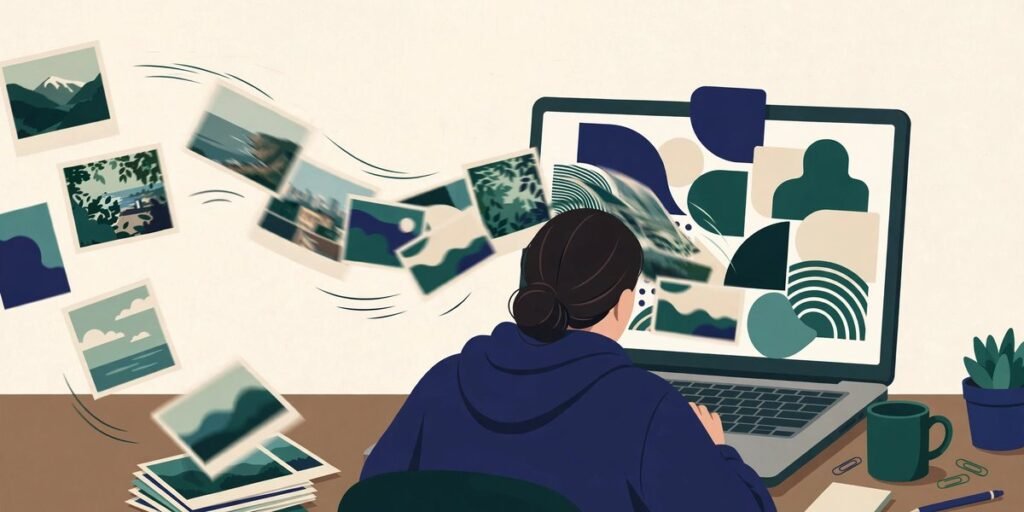
Images to PDF: How to Turn

Blogging Tips
October 31, 2026
Colour Picker: How to Choose a

Monetization
October 31, 2026
Team Management System: How to Run
Click Hype Tools
YouTube Thumbnail Downloader
Paste any YouTube video link and get its thumbnail in every size — up to full HD 1280×720 — free, instant and with no sign-up.
Works with:
watch links
youtu.be
Shorts
just the ID
Thumbnails are loaded straight from YouTube's own image servers (img.youtube.com) — nothing is uploaded anywhere.
Thumbnails for this video
Video ID:
How saving works: browsers block websites from directly downloading images hosted on other domains, so use View Full Size, then right-click the image (or long-press on mobile) and choose “Save image as…”. Each card also has a Download button that attempts a direct download — if your browser opens the image instead, just save it from there.
How to use
- Copy the link of any YouTube video (normal video, Short, live stream or music link all work).
- Paste it above and press Get Thumbnails.
- Pick the size you need — Max Resolution (1280×720) is best for blog posts and social sharing.
- Open the full size and save the image to your device.
Not every video has a Max Resolution thumbnail. Older or low-resolution uploads may only have the smaller sizes — those cards are marked “Not available for this video”.
A quick word on copyright
A video's thumbnail belongs to the video's owner. Downloading thumbnails of your own videos (backups, redesigns, reuse) is fine. Using someone else's thumbnail as-is in your own videos or posts can infringe their copyright — treat other creators' thumbnails as reference and inspiration, and design your own. This tool simply displays the public thumbnail images YouTube itself serves.