


How to Repurpose One Blog Post Into a Week of Content
You spent hours on that blog post. You researched it, wrote it, edited it, published it — and then, after a day or two of traffic, it quietly sank to the bottom of your archive.
That is the normal life of a blog post, and it is a waste. The post was never the problem. The problem is that you treated publishing as the finish line, when it was really the starting point.
Repurposing changes that. One good post, broken apart properly, can fill a whole week of content across every channel you use — social media, email, video — without you writing a single new idea from scratch. This guide shows you exactly how to do it, day by day.
What Is Content Repurposing?
Content repurposing is taking one finished piece of content and reshaping it into different formats for different channels.
The blog post stays the blog post. But its best tip becomes a short video. Its steps become a carousel. Its story becomes a LinkedIn post. Its main question becomes a poll. Same idea, new shape, new audience.
It is not copying and pasting. A paragraph lifted from your article and dumped onto Instagram will not work, because nobody reads Instagram the way they read a blog. Repurposing means adapting the idea to how each platform actually works — shorter, more visual, more conversational — while keeping the point intact.
Done well, it means your best thinking reaches people who will never find your blog through Google. Done badly, it looks like spam: the same link, posted five times, in five places.
Why Repurpose Blog Content?
Most bloggers write far more than they need to. Here is why repurposing is the better use of your time.
1. Your best ideas deserve more than one chance
A blog post gets one shot at ranking on Google. But the same idea, told as a short video, a thread, and an email, gets four or five chances to reach someone — and each format finds a different kind of reader. Some people never read blogs but watch every reel. Some never watch reels but open every newsletter.
2. It is much faster than writing from scratch
A new post from a blank page can take three or four hours. Pulling seven pieces out of a post you have already written takes about ninety minutes once you have the habit, because the thinking is already done. You are not inventing ideas; you are translating them.
3. It makes your message stick
People rarely act on the first time they see an idea. Marketing research has talked for years about the need for repeated exposure, and your own experience backs it up: you remember the tip you saw three times in different places, not the one you scrolled past once. Repurposing is how a small blog creates that repetition honestly, without shouting the same sentence at people.
4. It feeds your content calendar
If you publish one post a week and repurpose it properly, you never face the blank calendar again. The post is Monday’s work; the rest of the week is already decided. That rhythm is the practical side of blogging consistency — and it is far easier to keep than inventing seven new ideas every week.
Step 1: Pick the Right Post to Repurpose
Not every post deserves a week of your attention. Pick one that has the raw material to survive being broken apart.
Choose a post that did well. Look at your analytics or your comments. A post that already brought traffic, replies, or shares has proven that people care about the topic. Repurposing a post nobody read is just distributing a dud more widely.
Choose a post with at least three usable parts. A good source post contains a main takeaway, three or more supporting points, and at least one concrete example, number, or story. A short announcement or a thin list of links will run out of material by Tuesday.
Choose a post that is still true. If the advice is out of date, update the post first — or pick a different one. Repurposing an old post is a good excuse to refresh it, which is exactly what our guide on how to update old blog posts for SEO recommends doing regularly anyway.
Choose a post that fits your pillars. The post should sit under one of your content pillars — the core themes your blog is known for. Repurposing a one-off post about a random topic sends mixed signals about what your blog is about.
If you are short of ideas for which post to start with, our guide on how to come up with blog post ideas will help you spot the topics your readers already care about.
Step 2: Break the Post Into Its Parts
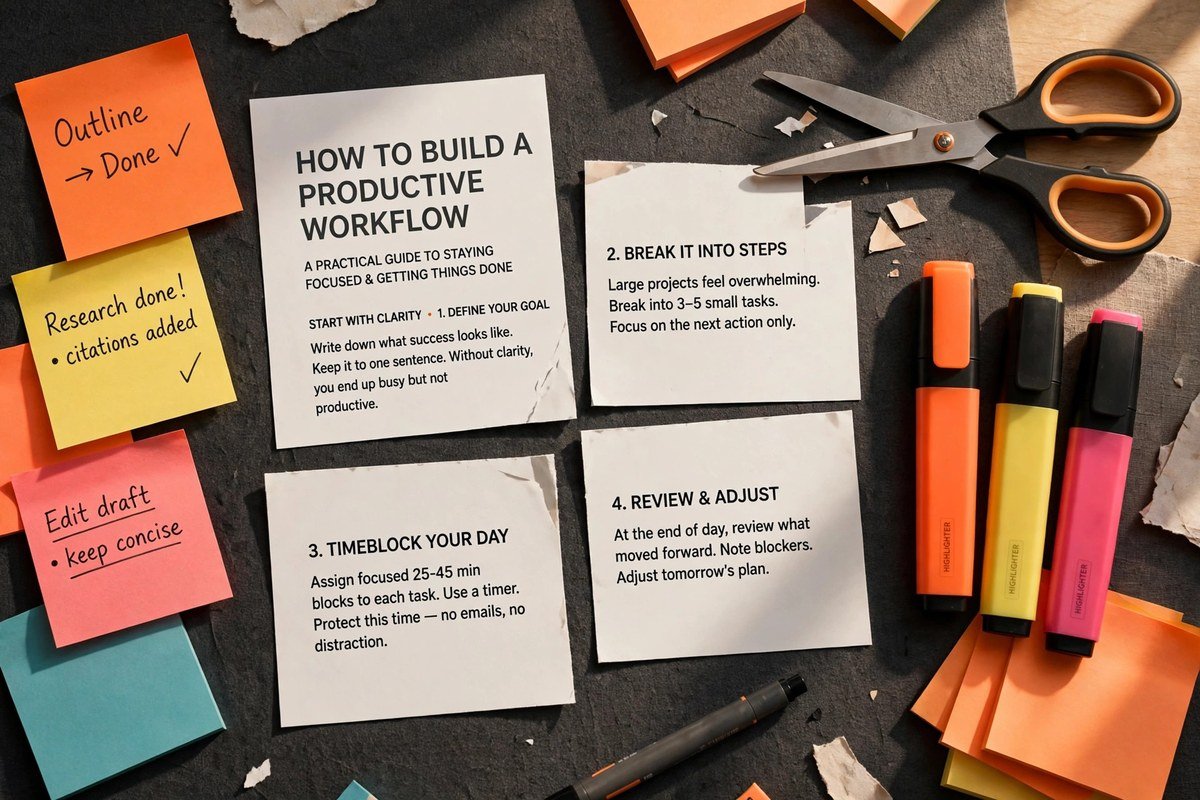
Before you design anything, pull the post apart on paper. You need four things written down:
- The main takeaway, in one sentence. If a reader remembered a single line, what should it be? Everything else you publish this week is built from this sentence.
- Three to five supporting points. The strongest steps, reasons, or mistakes from the post, each written as a complete thought that can stand on its own.
- One concrete detail. A number you measured, a real example, a before-and-after. Concrete details are what make short-form content believable — without them, your posts sound like generic advice.
- One question the post answers. The problem your reader had when they searched for it. This becomes your poll, your discussion post, and often your best-performing piece of the week.
A typical 1,500-word post yields fifteen to twenty of these small pieces. That is more than enough for a week — the hard part is not finding material, it is choosing which pieces to use and leaving the rest alone.
Write your four items on a single page or in a simple spreadsheet: the source section, the format you will turn it into, where it will go, and whether it is done. That sheet becomes your repurposing tracker for the week, and over time it shows you which formats actually bring readers back to your blog.
The Week, Day by Day: One Post, Seven Pieces
Here is a complete seven-day plan. Adjust the platforms to the ones you actually use — a plan you follow beats a perfect plan you abandon.
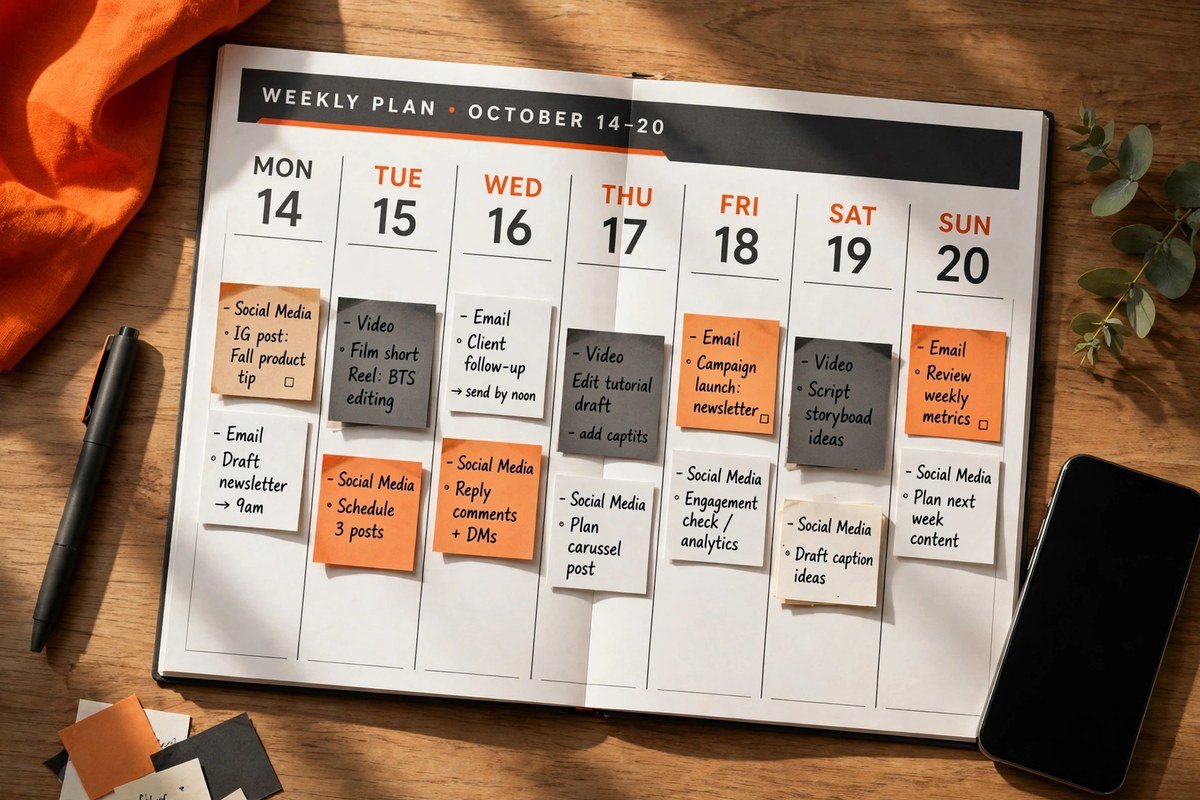
| Day | Format | Built from | Where it goes |
|---|---|---|---|
| Monday | Publish or re-share the article + email teaser | The whole post | Your blog + email list |
| Tuesday | Short text post | The main takeaway | LinkedIn, Facebook, Threads |
| Wednesday | Thread or numbered list | The three supporting points | X / Threads |
| Thursday | Carousel or slideshow | The steps | Instagram, LinkedIn, Pinterest |
| Friday | Short video | The single most visual point | Reels, TikTok, Shorts |
| Saturday | Quote graphic | The best line in the post | Instagram, Pinterest, X |
| Sunday | Poll or question post | The problem the post solves | Anywhere your readers reply |
Monday: Publish the post and send the email
Monday is launch day. Publish the post if it is new, or re-share it with a fresh introduction if it is an older post you have updated.
Send the email teaser the same day. Keep it short — a subject line that states the benefit, three or four sentences, one link. Your subscribers do not need the whole post in their inbox; they need a reason to click through. If you are still building your list, our guide on how to start an email list for your blog covers the setup from zero subscribers.
Tuesday: The takeaway post
Take your one-sentence takeaway and build a short text post around it. Lead with the takeaway itself — the first line is what decides whether anyone keeps reading — then add two or three short paragraphs explaining it, and finish with a question.
Keep it to roughly 100 to 250 words. That is long enough to say something useful and short enough that people actually finish it. Put the link at the end of the post or in the first comment, not in the middle, where it breaks the reading flow.
Wednesday: The thread
Turn your three supporting points into a numbered thread, one point per post. Each post in the thread should make sense on its own, because most people will see one of them out of context.
Open with the problem, not the solution. “Most bloggers waste their best posts” will stop more thumbs than “Here is how to repurpose content”. End the thread with the link to the full article, for the readers who want the detail.
Thursday: The carousel
Carousels work because each slide asks for one small action — a swipe — and each swipe is a small commitment to keep going. Take the steps from your post and give each one a slide: one idea per slide, one short headline, and as few words as you can manage.
Design all your carousels in the same template, with the same colours and fonts, so your followers recognise your posts before they read them. A free tool like Canva is enough for this; the design does not need to be fancy, it needs to be consistent. And resize your images properly for each platform — our Social Media Image Resizer will do that in seconds, so nothing comes out cropped or blurry.
Friday: The short video
Pick the single most visual point from the post and film a 30 to 60-second video about it. You do not need a studio: a phone, decent light from a window, and a clear script are enough. Start with the hook in the first three seconds — say the result or the surprising fact before you explain anything.
If you hate being on camera, record a voiceover over a screen recording instead, or turn the post’s steps into text slides with music. The format matters less than the habit: one short video a week from your best post will teach you faster than any course what your audience responds to.
Saturday: The quote graphic
Every good post has one line that sounds better on its own than buried in a paragraph. Pull it out, put it on a clean graphic in your brand colours, and post it. Quote graphics are the easiest piece of the week to make and one of the most shared, because they are quick to read and easy to pass on.
If your post has no quotable line, that is useful feedback: next time you write, include one sentence you would be happy to see on its own. Writing blog posts faster gets easier when you know, before you start, which lines are meant to travel.
Sunday: The poll or question
End the week by asking your readers a question the post raises. “What do you do with a blog post after you publish it?” will bring you answers, arguments, and new angles — and every reply is material for your next article.
Reply to every comment for the first hour. That early conversation is what the platforms reward, and it is also the fastest way to learn what your readers actually struggle with.
How Each Platform Wants It
The same idea needs a different shape on each platform. This is the part most bloggers skip — and it is why their repurposed content underperforms.
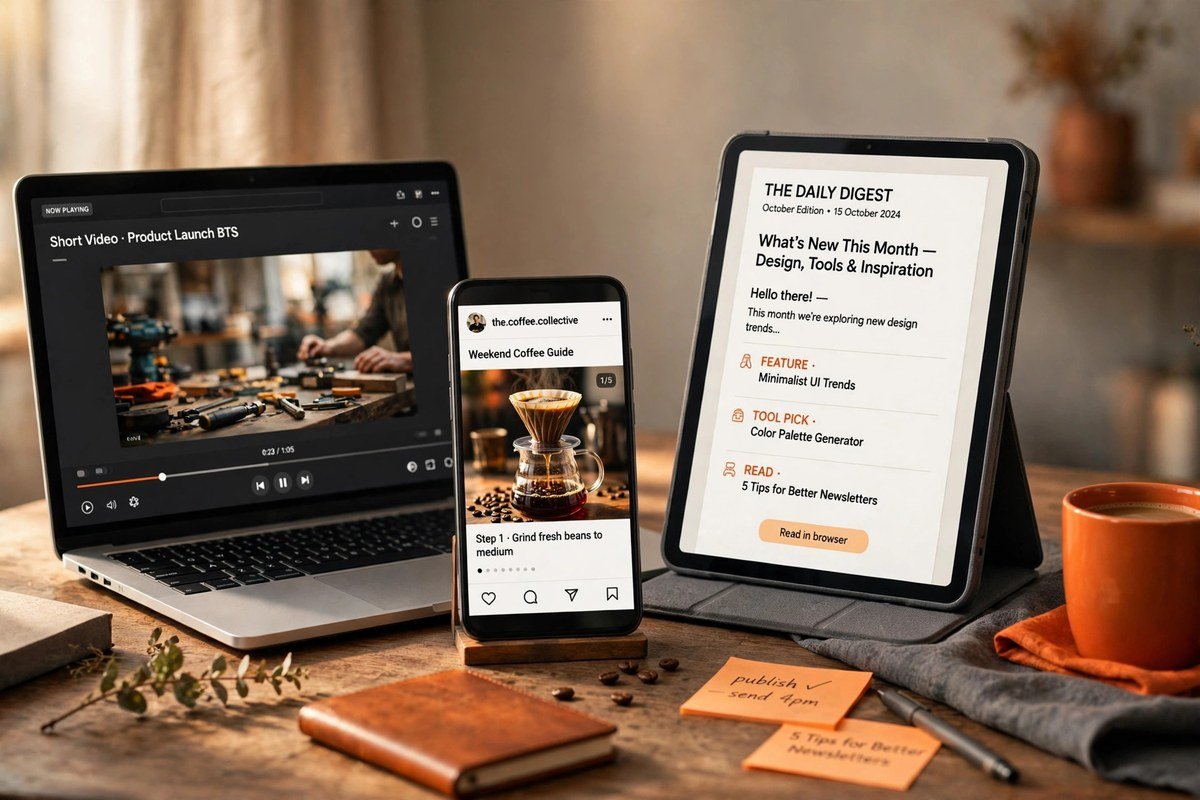
| Channel | What works | Rough length | Where the link goes |
|---|---|---|---|
| Strong first line, short paragraphs, one clear lesson, a question at the end | 100–250 words | End of the post or first comment | |
| X / Threads | One point per post, numbered, each able to stand alone | 4–7 short posts | Last post in the thread |
| Visual first — carousels and quote graphics; captions add the context | 7–10 slides | Bio link or story link | |
| Short video | Hook in the first seconds, one point only, captions on screen | 30–60 seconds | Profile or video description |
| Subject line with the benefit, three or four sentences, one link | Under 150 words | One clear button | |
| Tall pin with the title on the image, keyword-rich description | One pin per idea | Direct to the article |
Two rules cover all of them. First, write natively for the platform: a LinkedIn post should read like a LinkedIn post, not like a blog paragraph that wandered off. Second, never post the same words everywhere. If a reader follows you in two places and sees the identical post twice, the second sighting costs you trust.
Batch It: The 90-Minute Repurposing Session
Repurposing saves the most time when you do it in one sitting instead of spreading it across the week.
- Write all seven pieces in one block — about 60 minutes once you are used to it. Work from your four-item breakdown, not from the full article.
- Design the graphics and carousel in a second block — about 30 minutes with a saved template.
- Record the short video back to back with any others you owe, so you only set up once.
- Schedule everything using each platform’s free built-in scheduler where available.
Batching works because switching between tasks is where time disappears. Writing a post, then designing a graphic, then filming, then writing again means you pay the cost of starting over four times. Doing all the writing at once, then all the designing, means you pay it once.
Put the session in your calendar the same way you put writing time in it. A good place for it is the day after you publish — which is exactly how a blog content calendar should be built: writing days and repurposing days, side by side.
5 Repurposing Mistakes Bloggers Make
- Copying and pasting the same text everywhere. A blog paragraph does not work as a social post. Adapt the idea to each platform, or do not post it there at all.
- Repurposing weak posts. If the original post was thin, its children will be thinner. Start with your best-performing posts — the ones readers already proved they care about.
- Forgetting the link back. Every piece should lead, somewhere, to the original article. A viral thread that never mentions your blog is entertainment, not marketing.
- Trying to be on every platform. Pick the two or three channels where your readers actually are, and repurpose well for those. Being mediocre on six platforms beats being good on none, but being good on two beats being mediocre on six.
- Never checking what worked. At the end of the week, note which format did best — views, saves, replies, or clicks back to your blog. Do more of that format next week, and drop the one nobody touched. A spreadsheet with five columns is plenty: date, platform, format, topic, result.
Frequently Asked Questions
What does it mean to repurpose blog content?
To repurpose blog content means to reshape one finished blog post into different formats for different channels — for example, turning its main points into social posts, a short video, a carousel, and an email. The idea stays the same; the format changes to suit each platform.
How many pieces of content can I get from one blog post?
A typical 1,500-word post can produce seven to ten pieces comfortably: a social post, a thread, a carousel, a short video, a quote graphic, an email teaser, and a poll or question. Longer posts with more examples and steps can produce more, but seven well-made pieces beat twelve rushed ones.
Is repurposing content bad for SEO?
No. Repurposing does not hurt your SEO as long as each version is adapted for its platform and links back to the original post. What does hurt is publishing the same full article twice on your own site, because Google then has two pages competing for the same keyword. Keep the full article in one place — your blog — and use short, adapted versions everywhere else.
Which blog posts should I repurpose first?
Start with your best-performing posts: the ones with the most traffic, comments, or shares. They have already proven that readers care about the topic, and they usually contain the most usable material — clear points, examples, and a quotable line or two.
How long does it take to repurpose a blog post?
About 90 minutes once you have the habit: roughly 60 minutes to write all the pieces in one batch, plus 30 minutes to design the graphics from a saved template. The short video adds another 15 to 20 minutes if you record it in the same session. That is far less than the three or four hours a new post from scratch usually takes.
Final Thoughts
Your archive is full of good ideas that only ever got one day in the sun. Repurposing is how you give them a second, third, and fourth chance — without writing a new post every time you want to be visible.
Start small. Take your best post from last month, pull out its four ingredients — one takeaway, three points, one detail, one question — and turn them into this week’s seven pieces. Batch the work into one 90-minute session, schedule it, and watch which format your readers respond to.
Then do it again next week, with the next best post. After a month, you will have four posts working for you across every channel you use, and a calendar that practically fills itself.
That is the real payoff of repurposing: not more content, but more mileage from the content you have already done the hard work to create.