

How to Get Featured Snippets for Your Blog Posts

You know the box at the very top of a Google search — the one that answers the question before you even click anything? That is a featured snippet, and for a small blog it is one of the fairest fights in SEO. You do not need the biggest domain or the most backlinks to win it. You need the clearest answer, written in the shape Google can lift straight off your page.
What Is a Featured Snippet?
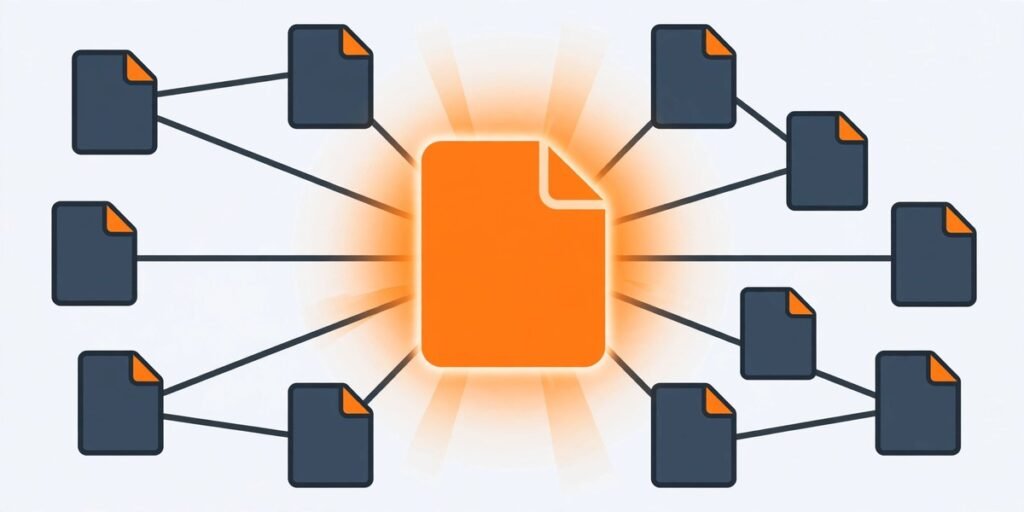
A featured snippet is a short answer Google pulls from one web page and displays in a box above the regular search results, often called "position zero". It usually shows a piece of text from the page, a link to that page, and sometimes an image. Google picks the page itself — you cannot apply for the box or pay for it.
Snippets appear most often for question-based searches: "what is", "how to", "why does", "best ways to". They also show up inside "People also ask" boxes. On a phone or a voice assistant, the snippet often is the result the searcher sees first.
Here is the part that surprises most bloggers: the snippet does not always come from the page ranked number one. Pages in positions two to ten regularly win the box. That is exactly why it matters for small blogs — it is one of the few places in search where a clear, well-structured answer can leapfrog a bigger competitor without outranking them everywhere else.
The 4 Types of Featured Snippets (and What Triggers Each One)
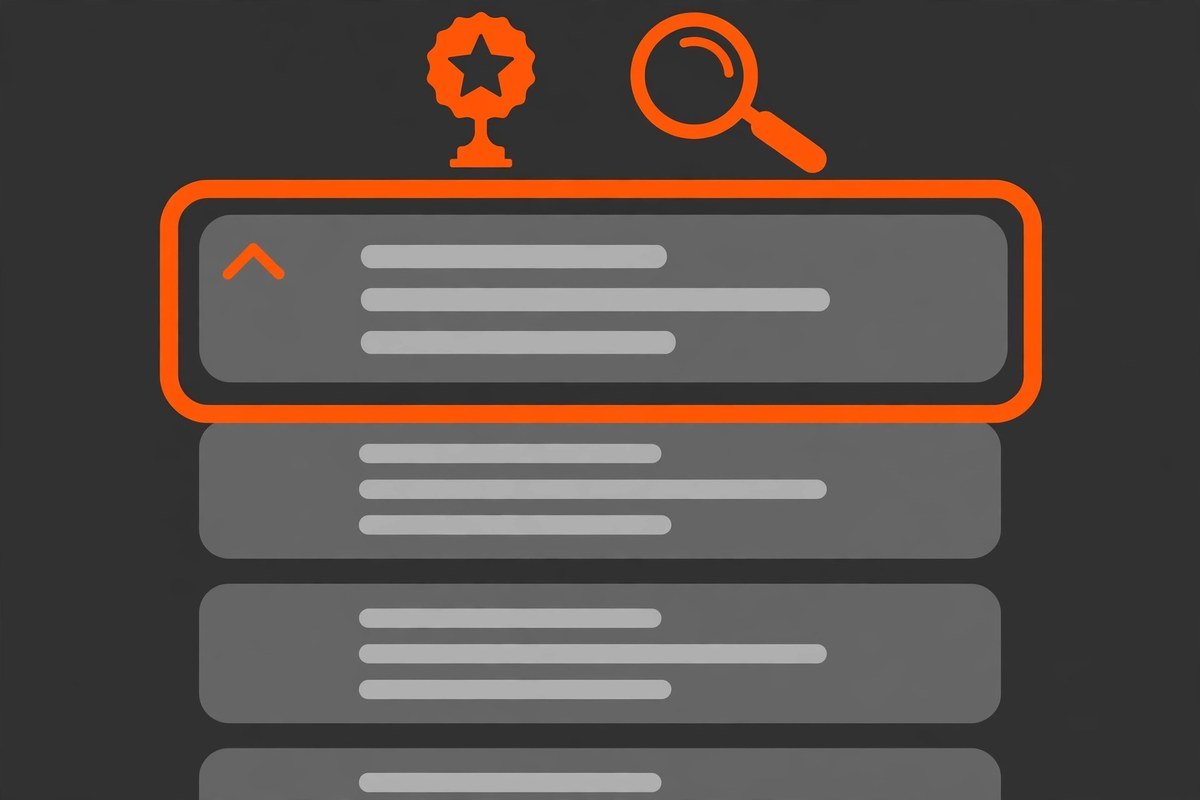
Google shows a different format depending on the question. Matching the format is half the job.
1. Paragraph snippets
The most common type. A short block of text, usually 40–60 words, answering a definition or explanation question — "what is", "why", "how does". Place a tight, self-contained definition directly under a heading that mirrors the searcher's question.
2. List snippets
Numbered or bulleted lists, triggered by "how to", "steps", "best", and "types of" searches. Numbered lists suit ordered steps; bulleted lists suit unordered collections like tips or examples.
3. Table snippets
Google builds these from data on your page — comparisons, prices, sizes, schedules. A clean HTML table with a clear header row is the format most likely to be lifted for comparison and figure-based queries.
4. Video snippets
Triggered by tutorial and how-to searches. A video with a query-matched title, embedded on a page that answers the same question in text, can win the box — relevance matters more than subscriber count.
Before you write anything, search your target question and look at which format Google currently shows. If the box is a list and you wrote a paragraph, you are fighting the search engine's learned preference.
Why Featured Snippets Matter for Small Blogs
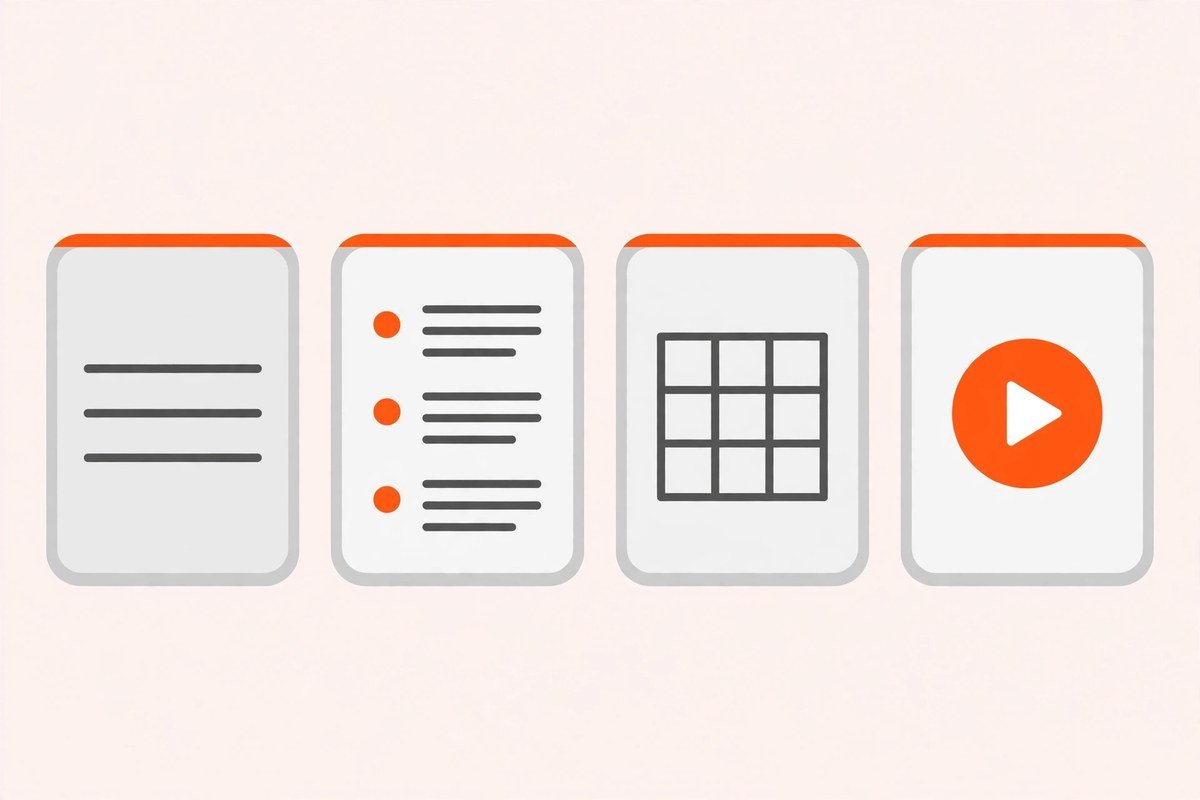
For a blog without a big backlink profile, a snippet is a shortcut to visibility you cannot buy. The box sits above every organic result, so even a page ranking fifth or sixth gets seen first. That extra exposure usually lifts click-through rates, and it positions your blog as the authoritative answer in your niche — the same kind of trust signal that helps you get cited in AI answers too. Our guide on how to get your blog cited in Google AI Overviews covers that side of it.
There is one honest caveat: the zero-click problem. If the whole answer fits in one line, some searchers will read the box and never click. Chase snippets for questions where your page has more to give than the answer itself: the steps, the examples, the reasons.
Before You Start: 3 Things Google Needs First
Snippet work is a layer on top of SEO, not a substitute for it. Three requirements are effectively non-negotiable.
You must rank on page one for the query. Google almost never grants a snippet to a page outside the top ten. If your post sits on page three, no amount of formatting will win the box. That is why snippet optimisation works best on posts that already rank, and on questions in a topic your site genuinely covers. Building topical authority in a narrow niche is the fastest honest route to page one for a small blog.
Your answer must be extractable. Google needs to lift your answer cleanly, so it has to be self-contained: a clear question heading, the answer directly beneath it, written in plain language. Buried answers never win.
The format must match the intent. A "how to" question wants steps. A "what is" question wants a definition. A comparison wants a table. The query itself tells you the shape — listen to it.
How to Get Featured Snippets: A 7-Step Playbook
Step 1: Find snippet-worthy questions
Start with the questions your readers actually ask. Google's "People also ask" boxes are a free source, as are autocomplete suggestions, related searches, your own blog comments and emails, and questions in forums in your niche. In Google Search Console, filter your queries for question words — what, how, why, when, best — and look for the ones where you already rank between positions four and ten.
Step 2: Check what Google already shows for each question
Search the question yourself and study the current results. Is there a snippet already? What format is it? How good is the current answer, and where is it weak? If the box is held by a thin, outdated answer, that is an opening. Note the exact wording of the question, because your heading should mirror it closely.
Step 3: Write the 40–60 word answer first
For every question-targeted section, write the snippet candidate before anything else. A direct answer of 40–60 words, in plain language, that could stand on its own. Put the answer in the first sentence — do not warm up with background. Then expand with detail, examples and nuance below it.
Step 4: Match the format to the query
Shape each answer the way the searcher asked for it:
- "What is" or "why" questions — a 40–60 word paragraph directly under a matching H2 or H3.
- "How to" or "steps" questions — a numbered list with short steps, each starting with a verb.
- "Best" or "types of" questions — a bulleted list, or a table if you are comparing options.
- Questions with numbers or data — a simple HTML table with a descriptive header row.
A post can hold a paragraph snippet in one section and a list snippet in another — that is how a single post wins more than one box.
Step 5: Structure the page so answers are easy to find
Use question-style headings (H2 and H3) that mirror the searches you are targeting, with the answer immediately underneath — no introductory paragraph between the heading and the answer. Keep paragraphs short, and add a FAQ section near the end of the post: four to eight common related questions, each as an H3 with a direct 40–60 word answer beneath it. The FAQ alone creates several more snippet opportunities, and it feeds "People also ask" boxes and AI Overviews as well.
Step 6: Strengthen the page around the answer
A snippet candidate sits on a page, and Google judges the page, not just the paragraph. Make sure the post is genuinely the best answer to its question: original examples and first-hand experience where you have it. Link it into your site properly — related posts should link to it with descriptive anchor text, and it should link back to your pillar content. Our complete internal linking strategy for blogs shows how to do this without overthinking it. Check the basics too: the page should load fast and work cleanly on mobile — see our WordPress technical SEO checklist and on-page SEO checklist for bloggers. And if two of your posts chase the same question, fix that first: our guide to keyword cannibalisation shows how to find and merge them.
Step 7: Track the box, then iterate
In Google Search Console, go to Performance, then Search results, and filter by Search appearance to see which queries show your pages as featured snippets. Check back every few weeks: did a new box appear, did you lose one, did a competitor take it? If you lost a snippet, look at what replaced it — usually a clearer answer or a better-matching format — and improve that section rather than rewriting the whole post.

Featured Snippets and AI Overviews in 2026
AI Overviews have replaced traditional snippets for many longer, informational questions. But featured snippets still matter — a lot — for short, question-based and definition queries, where Google still shows the classic box. The good news is that the same work wins both: a direct, well-structured answer under a question heading is exactly what AI Overviews cite too. Think of it as one skill with two payoffs, not two separate jobs.
5 Mistakes That Cost Bloggers the Box
- Burying the answer. Starting with background or three paragraphs of context before the point. Google lifts what is on the surface — put the answer first.
- Answering a different question than the heading asks. If your H2 says "how to", the section must give steps, not a definition.
- Writing 200-word "answers". A snippet candidate needs to be 40–60 words. Longer answers get cut off or skipped. Write the short version, then expand below it.
- Chasing snippets before ranking. Spending hours formatting a page that sits on page four. Fix the ranking first, then optimise the format.
- Ignoring the SERP. Writing a paragraph when Google clearly shows a list for that query. Always check what format the results page wants before you choose yours.
Frequently Asked Questions
What is a featured snippet?
A featured snippet is a short answer Google pulls from one web page and shows in a box above the regular search results, with a link to that page. Google chooses the page itself — you cannot pay for or apply for the box, but you can structure your content so it is more likely to be picked.
How long should a featured snippet answer be?
Aim for 40–60 words for a paragraph snippet: long enough to answer properly, short enough for Google to lift whole. List items should be short, and table cells should hold brief values. If your answer runs to 200 words, trim the snippet candidate and put the extra detail below it.
Do I need to rank number one to win a featured snippet?
No. Google regularly takes the snippet from pages ranked in positions two to ten. You do need to be on page one, though — pages outside the top ten almost never win the box. That is why snippets are such a good opportunity for small blogs.
Does schema markup help win featured snippets?
No. Google has said structured data is not required or considered for featured snippet selection. Schema is still worth adding for other rich results, but it will not win you the box. Clear answers and matching formats will.
How do I know if my blog has won a featured snippet?
In Google Search Console, open Performance, then Search results, and use the Search appearance filter to show featured snippet impressions and clicks. You can also search the question in a private browser window and look for the box.
Final Thoughts
Winning a featured snippet is not a trick. It is what happens when you answer a real question directly, in the shape the searcher asked for, on a page that already deserves to rank. That is a small, repeatable skill — and it compounds. Every box you win puts your blog in front of readers who would otherwise have scrolled past you.
Pick five questions you already rank on page one for, check what format each one wants, and rewrite those five sections answer-first this week.