


Google Discover for Bloggers: How to Get Your Posts Featured
Picture this. You wake up, check your analytics, and yesterday’s post has ten times its usual traffic — and nobody searched for anything. No keyword ranked. No link went viral. Google simply showed your article to people interested in the topic, before they ever typed a query.
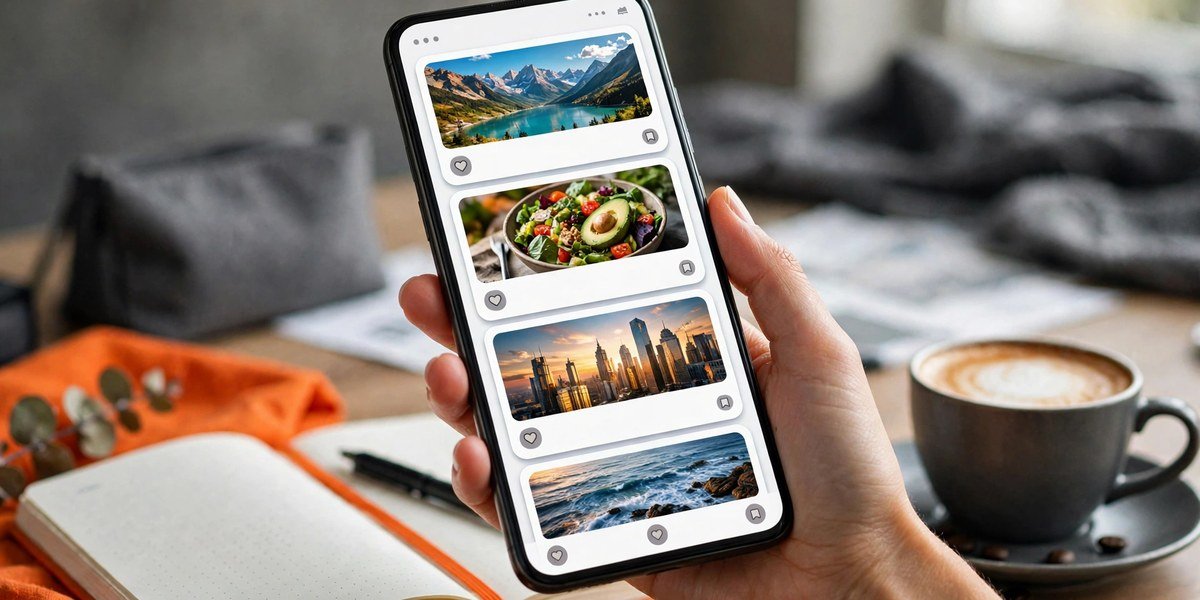
That is Google Discover: the feed of articles, videos and stories in the Google app, on the Chrome new tab page on mobile, and on the google.com homepage when you are signed in. Instead of waiting for a search, Discover pushes content to people based on what they have read, the topics they follow, and where they are.
For bloggers it is one of the biggest traffic opportunities most of us ignore. Search rewards the page that best answers a query; Discover rewards the page that earns a tap from someone who was not looking for it. You do not need huge domain authority or a newsroom — just an understanding of what the feed is looking for.
What Is Google Discover?
Google Discover is a personalised feed, built from a reader’s search history, the topics they follow, the sites they visit, and their location. It appears in the Google app, on the Chrome new tab page on mobile, and on the google.com homepage for signed-in mobile users. On desktop it does not exist in the same form — Discover is a mobile experience, so your post needs to work on a phone.
Search is pull and Discover is push: in search, a three-year-old guide can rank for years, while in Discover freshness carries real weight — and a title that sparks curiosity wins, as long as it stays honest, which brings us to the update that changed everything in 2026.
What Google Actually Requires to Appear in Discover
The good news: there is no application form, no special tag, and no structured data type to add. Google’s guidance is clear — content is automatically eligible when indexed by Google and meeting the Discover content policies.
That means the baseline is unglamorous but non-negotiable. The page must be indexed: if Google cannot crawl it, the quality of your image does not matter, so check the URL is not blocked by robots.txt, carries no accidental noindex tag, and has the right canonical. The content must follow Google’s policies — no misleading claims, no deceptive or sensational content. And large images must be allowed: the max-image-preview:large meta tag lets Google show your post with a big image, and most SEO plugins, Rank Math included, add it by default.
Eligibility, though, is not distribution. Millions of pages are eligible. Only a small fraction get shown. The rest of this guide is about moving from eligible to chosen.
What Changed in 2026: The Discover Core Update
In February 2026, Google released its first core update aimed specifically at Discover, separate from regular search. It had three aims: more local relevance, so readers see more content from publishers in their own country; less clickbait, with sensational headlines penalised hard; and more original depth, with in-depth, timely content surfaced from sites with real expertise — judged topic by topic, not for the whole domain.
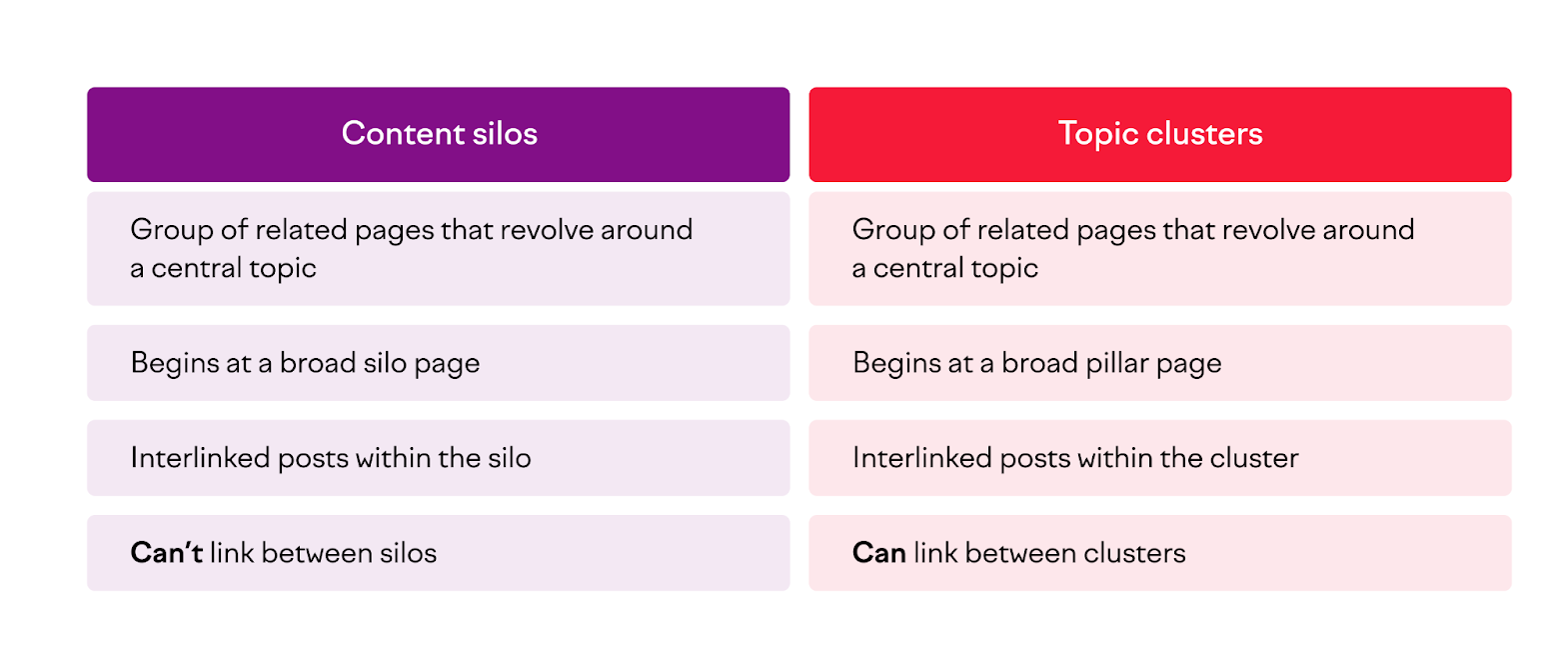
That last point is the most encouraging one for small bloggers: a site can demonstrate deep knowledge in one area even if it covers several. You do not need to be a giant publisher — just consistently good at the thing you write about. Our guide to topical authority for bloggers explains how to build that focused expertise, post by post.
The rollout began with English-language users in the United States, and the direction is the same whatever your audience: honest headlines, real depth, and a clear niche.
The Content That Gets Picked Up
Discover does not surface random posts. Certain kinds of content do consistently better, and you can plan for them.
Trending topics with a niche angle. Pure news is a losing game — you will not out-publish the BBC. But a trending topic seen through your niche is where small blogs win. When a Google update lands, a post on what it means for bloggers has a far better chance than a generic rewrite of the announcement. Seasonal keywords work the same way: a post timed to peak interest carries a natural freshness signal.
Lists and roundups. “10 Ways to…” and “7 Tools for…” perform consistently well: the format is scannable, the value is obvious before the tap, and readers know what they are getting.
Visual and emotional content. Discover is a visual feed. Photo-heavy how-tos, before-and-after transformations and posts with striking original images outperform text-heavy analysis every time. A generic stock photo will not stop a thumb; an image that shows the result will.
Images: The Part Most Bloggers Get Wrong
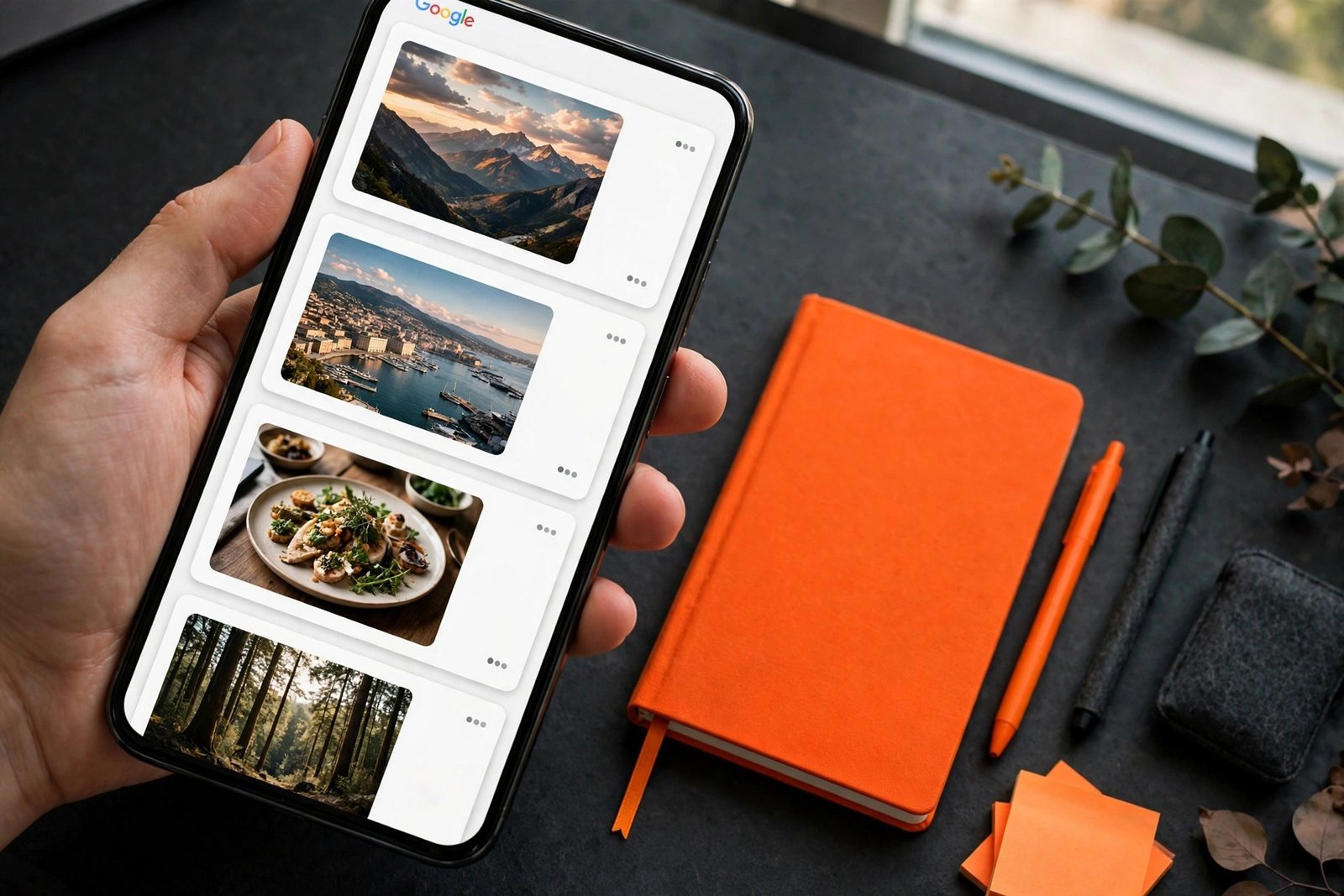
Use a large image — at least 1,200 pixels wide. This is the single most important Discover setting on your blog, and it costs nothing: a featured image smaller than 1,200 pixels wide cannot be shown as a large preview, and large previews get far more taps. Use a landscape image of at least 1,200 pixels wide that actually relates to the article.
Make the image relevant, not decorative. Discover’s systems judge whether the image matches the content. A photo of a laptop tells Google nothing about a post on email marketing; a screenshot of the inbox setup does. Use images that show the thing you are writing about.
No watermarks, no text-heavy graphics. They look cheap in a feed and get skipped. Keep the image clean and let the headline do the talking.
Compress without destroying quality. A huge image file slows the page down, and slow pages lose readers fast. Resize to the size shown, convert to WebP where you can, and compress before upload. Our guide to image SEO for blogs covers file names, alt text and compression — the same habits that help search help Discover too.
Headlines That Earn the Tap Without Baiting It
Your headline does a different job in Discover than in search. In search it should match the query; in Discover it should make a stranger care — without lying to them.
The February 2026 update drew a hard line: curiosity-gap headlines that withhold basic information (“You Won’t Believe What Happened Next”) are actively penalised, as are sensational claims the article cannot back up. Engaging is fine; misleading is not.
What works instead: say what the reader will get — “How to Get Your Posts Featured” beats “The Secret Google Doesn’t Want You to Know” — and name the audience, because “for Bloggers” tells the right reader this post is for them, and tells Google the same thing. Use a number or a timeframe when it is real, and deliver exactly what the headline promises: a reader who taps and finds something else will bounce, and Google notices.
Our guide to SEO title tags and meta descriptions that get clicks covers the same principles for search — and they apply here too.
E-E-A-T: Why Discover Cares Who Wrote It
Discover is a recommendation, and Google does not recommend strangers it cannot vouch for. That is where E-E-A-T — experience, expertise, authoritativeness and trustworthiness — comes in.
For a blogger, this is practical, not abstract. Put your name on your posts: anonymous posts are harder to trust, while a named author with a bio page showing real experience is a signal Discover can use. Show your work — original photos, screenshots from your own site, real results from your own experiments — to separate your post from ten rewrites of the same advice. And keep your facts straight: a recommendation is an endorsement, so a post with a wrong date will not be recommended. Our guide to E-E-A-T for bloggers shows how to demonstrate experience and trust on every post.
Mobile Experience: The Silent Gatekeeper
Discover is a mobile feed, so your page is judged on a phone. If it loads slowly, shifts while loading, or is hard to tap through, readers leave — and Google learns not to show it again. Three things matter most: speed, with the largest visible element loading within 2.5 seconds on a real phone connection; stability, so content does not jump while loading; and readability, because font size, line spacing and tap targets matter on a small screen. Our guide to Core Web Vitals for bloggers explains the three measurements and the fixes that matter most.

How to Measure Discover Traffic
Google gives you a dedicated report for this. In Search Console, under Performance, there is a separate Discover tab — it only appears once your site has had Discover impressions, so do not panic if it is not there on day one. It shows clicks, impressions and click-through rate for every post Discover has shown, over the last 16 months.
Watch for patterns, not single spikes. Discover traffic is famously spiky: a post can get thousands of clicks in two days and then fade. What matters is which topics, headlines and images earned repeated appearances — if list posts with original photos keep appearing and opinion pieces never do, you have your answer.
Our guide to the Google Search Console reports that actually matter shows how to read the Discover report next to the search performance report.
One honest note: you cannot force your way into Discover. There is no submission, no fee, and no trick that guarantees a feature. Publish eligible, original, well-presented content in a niche you genuinely know. Some posts will land. Most will not. The bloggers who win keep publishing the right kind of posts and let the hits accumulate.
Frequently Asked Questions
What is Google Discover?
Google Discover is a personalised feed of articles and videos in the Google app, on the Chrome new tab page on mobile, and on the google.com homepage for signed-in mobile users. Google chooses what to show from a person’s interests, reading history and location — no search query is needed.
Do I need to apply to appear in Google Discover?
No. There is no application form for ordinary web content: any indexed page that meets Google’s Discover content policies is automatically eligible. Eligibility does not guarantee your posts will be shown, but it is the only entry requirement.
What image size does Google Discover need?
Your featured image should be at least 1,200 pixels wide so Google can show it as a large preview, which earns far more taps than a small one. It should also be relevant to the article, free of watermarks, and allowed by the max-image-preview:large meta tag.
How long does Discover traffic last?
Discover traffic usually arrives as a spike: a post can get most of its Discover clicks within a few days, then fade as the feed moves on. Evergreen posts updated with fresh context can be picked up again — but treat Discover as a bonus on top of search traffic, not a replacement.
How do I check if my blog gets Google Discover traffic?
Open Google Search Console, go to Performance, and look for the Discover tab — it only appears once your site has received Discover impressions. It shows clicks, impressions and click-through rate per post, so you can see which topics and headlines earned a place in the feed.
Final Word
Google Discover will not replace search for your blog, and it should not. Search is the steady stream; Discover is the sudden surge. But the surge is real — for a small blog, it can be the difference between ten readers and ten thousand.
The formula is not a secret. Publish original, useful content in a niche you know. Present it with a large, relevant image and an honest headline. Make sure the page is indexed, fast on mobile, and written by a named person readers can trust. Then measure what happens and do more of what worked.
You cannot guarantee a feature. You can guarantee that when Google looks at your post, it finds something worth recommending.