

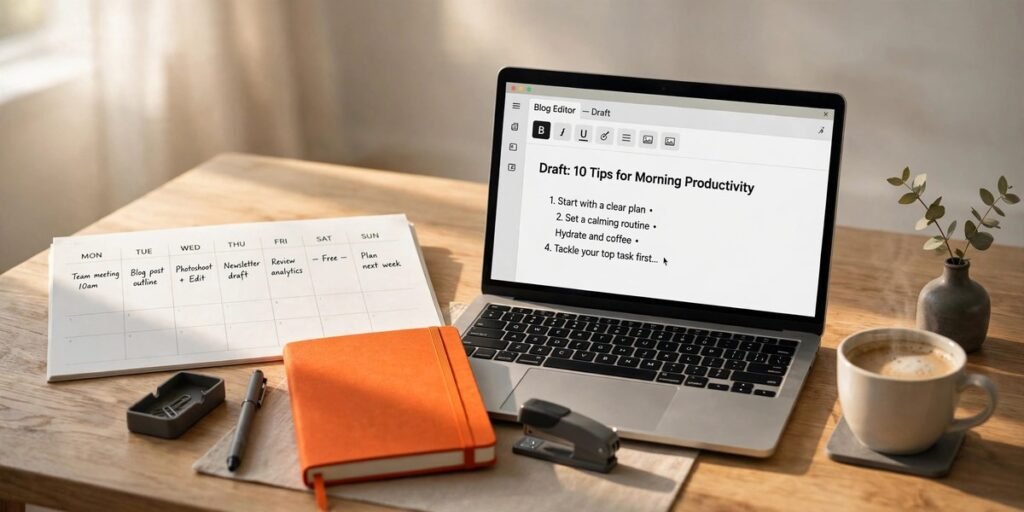

How to Write Blog Posts Faster Without Losing Your Voice

You know the feeling. You sit down to write a blog post at ten in the morning, full of good intentions, and by lunchtime you have three half-finished paragraphs and eleven open tabs. The post eventually gets published, two days late, and you promise yourself next time will be quicker.
It rarely is. And the usual advice does not help: “just write faster” is not advice, and “use AI for everything” leaves bloggers publishing posts that sound like everyone else’s — smooth, confident, and completely forgettable.
Here is the honest version: you can write much faster without your writing turning robotic. The trick is not typing faster — it is stopping the habits that quietly eat your hours, and protecting the parts of your writing that actually sound like you.
Why Writing a Blog Post Takes So Long (It Is Not Your Typing Speed)
Most bloggers blame their typing speed. It is almost never the problem. Orbit Media’s 2026 blogging survey of content marketers found the average blog post took 3 hours and 20 minutes to write, at an average length of 1,312 words. Typing 1,312 words at 52 words per minute takes about 25 minutes — leaving nearly three hours for everything else.
Those hours go on deciding what to say, hunting for one more source, and fixing a sentence in paragraph two before paragraph three exists. None of that is writing — but it feels like it, which is why the hours vanish without a draft to show for them.
The real problem is that most of us do four different jobs at the same time: deciding, researching, writing, and editing. Switching between them is slow. Speed comes from separating the jobs, not from rushing any of them.
The Fix: Give Every Job Its Own Block
Think of a post as four blocks, done in order, never mixed: plan, gather, draft, edit. When each block has its own time and job, the whole post gets quicker — and better.
1. Plan before you open the editor (15 minutes)
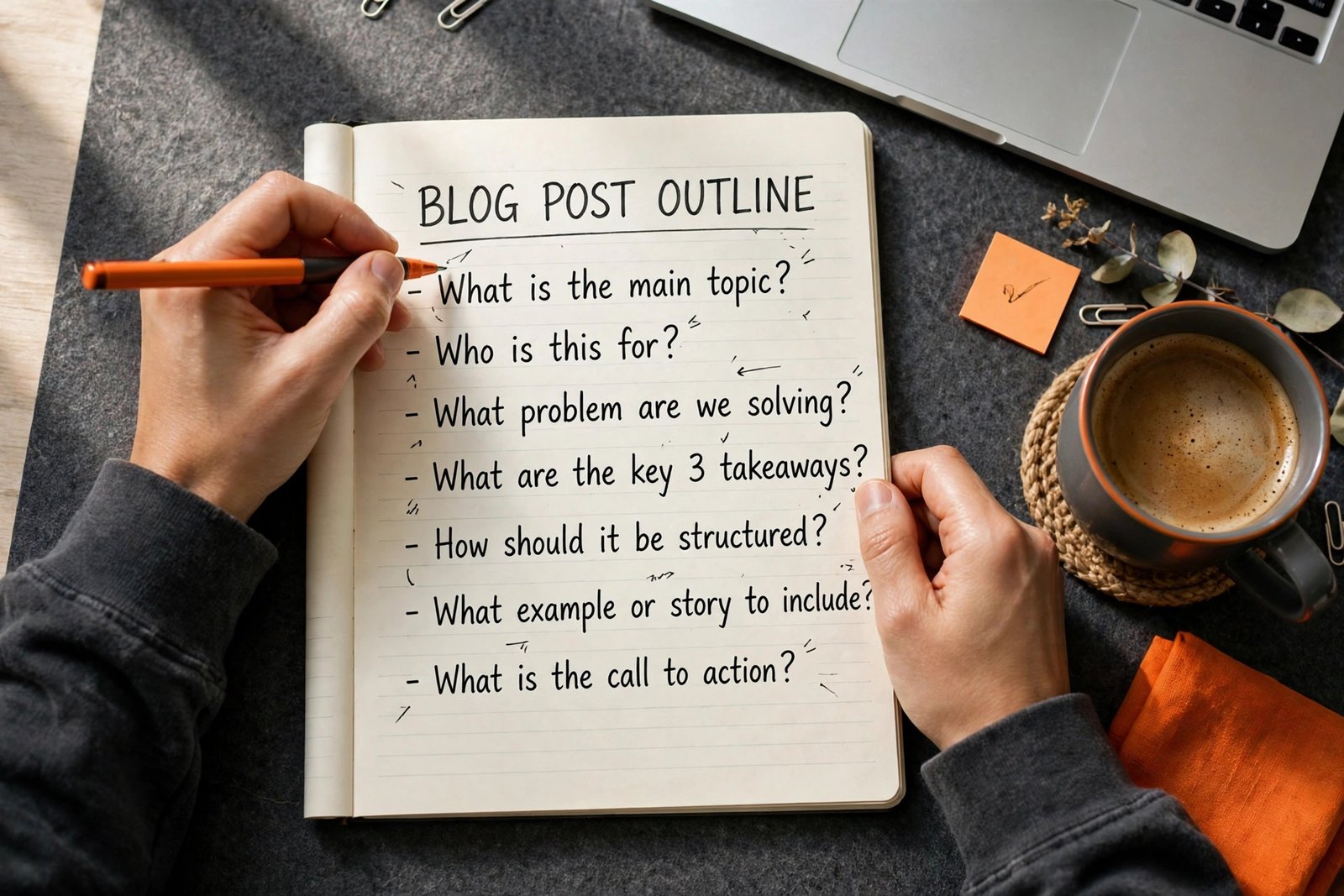
A post that takes forever usually had no plan. Before you write a word, answer three questions: who is this post for, what single question does it answer, and what should the reader be able to do after reading it? If you cannot answer those in two minutes, you are not ready to write yet.
Then turn the plan into an outline of headings. Phrase each heading as a question your reader is asking — you will always know what the section has to do. If you are short on topics, our guide on how to come up with blog post ideas shows where real reader questions hide. Our guide to long-tail keywords for bloggers helps you pick phrases a small blog can actually win.
2. Gather everything first, then close the tabs (20–30 minutes)
Now collect your raw material: the facts you need, the links worth citing, and your own examples. Put them in one note, under the heading they belong to — then close the tabs.
Research without a limit is the biggest time leak in blogging. Set a timer for 30 minutes and a cap of five to eight sources. When the timer goes off, stop reading and start structuring, even if you feel underprepared — you almost always know more than enough. If a fact is missing, mark it and keep going — fill it in during the editing block.
3. Draft in one sitting — messy on purpose (45–60 minutes)
This is the block most bloggers never really do, because they keep slipping back into editing. So here is the rule: once the draft starts, no fixing. No re-reading the previous paragraph. No spellcheck. You are just getting ideas onto the page in roughly the right order.
Set a timer and write straight through the outline. If a sentence comes out clumsy, leave it — clumsy is fixable, blank is not. A 1,000 to 1,500-word draft takes 45 to 60 minutes this way, because the decisions were already made while planning.
One practical trick: if talking is easier than typing, record a five-minute voice note explaining the post to a friend, then turn that into your draft. Your spoken explanation already carries your rhythm and phrasing.
4. Edit in two passes, then stop (20–30 minutes)
The fix is two passes, each with one job — then you publish.
Pass one is structure: read the draft top to bottom and ask only whether it flows. Does each section answer its heading? Move, cut, or add whole chunks — but do not polish sentences yet. Pass two is the line edit: fix the sentences, cut the filler, check the facts you marked as gaps, and read the whole thing aloud. Reading aloud is the best voice test there is — if a sentence sounds wrong in your own voice, rewrite it.
Then stop. A third pass rarely improves a post; it usually just rearranges it. The bloggers who publish consistently know when a post is good enough — a habit our guide to blogging consistency builds into a weekly system.
A 90-Minute System You Can Use on Your Next Post
For a post of roughly 1,000 to 1,500 words on a topic you know well:
| Block | Time | Done when |
|---|---|---|
| Plan | 15 minutes | Reader, question, and outline are written down |
| Gather | 20–30 minutes | Notes and sources sit under their headings; tabs closed |
| Draft | 45–60 minutes | A complete messy draft exists, gaps marked |
| Edit | 20–30 minutes | Two passes done; post read aloud once |
| Publish | 10 minutes | Images, links, and meta details checked |
That is around two hours from blank page to published post, and it gets faster as the system becomes habit. Posts needing interviews or original tests will take longer — that is fine. If your current posts take four hours, time each block for a week: you will find your slowest block within three posts, and that is the one to fix first.
How to Speed Up Without Losing Your Voice
This is the part most speed advice skips. A fast post that sounds like everyone else is not a win — your voice is the specific things only you would write. So speed up the process, never the personality.
Keep your specifics. Systems save time on structure, not substance. Your examples, mistakes, opinions, and your readers’ exact words are what make a post yours.
Talk first, type second. When you explain something out loud, you naturally use your own phrasing. When you type from a blank screen, you imitate whatever you last read.

Never publish a sentence you would not say. Read the finished draft aloud — or have your device read it to you — and cut or rewrite anything that sounds like someone else wrote it. Our guide to the text-to-speech tool shows how listening catches phrasing your eyes skip over.
Templates That Save Hours Without Making Every Post Sound the Same
A reusable template is the biggest time saver after the four-block system — it removes dozens of small decisions from every post. Keep three: one for how-to guides, one for list posts, and one for opinion or experience posts. Each is just a skeleton: an opening that states the reader’s problem, question-headings, a place for your example, and a closing that tells the reader what to do next.
The fear is that templates make every post sound identical. They do not: the structure is shared, but everything readers notice — the examples, the stories, the judgements — is yours. Build templates from your own best posts: a template copied from a stranger imports their voice; one distilled from your work protects it.
Using AI to Write Faster — Honestly
AI tools can genuinely speed up blogging, but only if you give them the boring parts of the job. Use them to turn notes into an outline, summarise sources you have read, or run a checklist pass over a finished draft. That is honest, useful help.
What AI cannot do is replace your experience. A raw AI draft has no stories that only you can tell, no opinions you actually hold, and no mistakes you learned from — and readers can tell the difference within a paragraph. AI does the scaffolding, you do the substance: edit every sentence until it sounds like you, add your own examples, and delete anything you do not understand. Our guide to the AI text humanizer shows how to check a draft reads naturally — but the real test is simpler: if you would not say it, do not publish it.
Five Speed Killers to Cut This Week
You do not need a new app or a course. Stop doing these five things:
- Editing while drafting. Every mid-draft fix breaks your flow and doubles the time a section takes. Draft first, edit later, always.
- Research without a timer. Open-ended research feels productive and produces nothing. Thirty minutes, five to eight sources, then write.
- Writing without an outline. A missing outline means you decide the structure while writing, which is the slowest way to do both jobs.
- Chasing the perfect first sentence. Write the introduction last — you cannot introduce a post you have not written.
- Rewriting the post in your head before you start. The imaginary perfect version is the enemy of the real draft. A messy draft you can edit beats a perfect post that exists only in your head.
Cut two and your next post will be noticeably quicker. Cut all five and you will wonder where your afternoons went.
Frequently Asked Questions
How long should it take to write a blog post?
A 1,000 to 1,500-word post on a topic you know well takes around two hours with a proper system: roughly 15 minutes to plan, 20 to 30 to gather material, 45 to 60 to draft, and 20 to 30 to edit. Orbit Media’s 2026 survey put the average at 3 hours and 20 minutes — but that includes research-heavy posts, so treat it as a benchmark, not a target.
How can I write blog posts faster without lowering quality?
Split the work into separate blocks — plan, gather, draft, edit — and never do two at once. Cap your research at 30 minutes, draft without editing, and limit yourself to two editing passes. Quality comes from the planning and the editing, not from writing slowly.
Is it OK to use AI to write blog posts faster?
Yes — as an assistant, not an author. Use AI for outlines, summaries, and checklist passes, then add your own examples, opinions, and experience, and edit every sentence until it sounds like you. Never publish raw AI text — it has no stories only you can tell.
How do I keep my voice when using templates or AI?
Your voice lives in your specifics: your examples, your phrasing, your opinions, and the words your readers actually use. Talk your draft out loud before typing it, and read every finished draft aloud — if you would not say a sentence, rewrite it until you would.
What is the fastest way to write a blog post?
Pick one question, outline it as reader questions, gather your material in 30 minutes, draft it in one messy sitting without editing, then do two editing passes and publish. For a familiar topic, roughly 90 minutes to two hours — and it gets faster with repetition.
The Bottom Line
Writing faster is not about typing faster or cutting corners. Give each part of the job its own time — plan, gather, draft messily, edit in two passes — and protect the parts that sound like you: your examples, opinions, and phrasing.
Try it on your next post: time each block, keep the timer honest, and publish when the second editing pass is done. Then check the result with our free Word Counter. The bloggers who publish every week are not faster writers than you — they just stopped doing four jobs at once.