


Core Web Vitals for Bloggers: Speed, Stability and What to Fix First

You have felt it yourself. You tap a link, the headline appears — and then everything jumps. The text slides down, an advert pushes in, and by the time the page settles you have already hit the back button.
Your readers do the same thing on your blog — and Google watches it happen.
Core Web Vitals are Google’s way of measuring that experience: loading speed, reaction time, and how much the page moves while it loads. They are not the whole of SEO — good content still wins — but they decide whether a visitor who found you actually stays. Most bloggers only need a handful of fixes, and most take minutes.
What Are Core Web Vitals?
Core Web Vitals are three measurements Google uses to judge how a real visitor experiences a page. They come from field data — the Chrome User Experience Report, or CrUX — which collects anonymous measurements from real Chrome users on real phones and connections, not from lab tests on a fast office computer.
A page passes only when at least 75% of real visits meet the “good” threshold, measured over the previous 28 days — so your laptop on fast Wi-Fi can show a perfect score while your readers wait four seconds for the same page. Google ranks you on their experience, not yours.
The three metrics are:
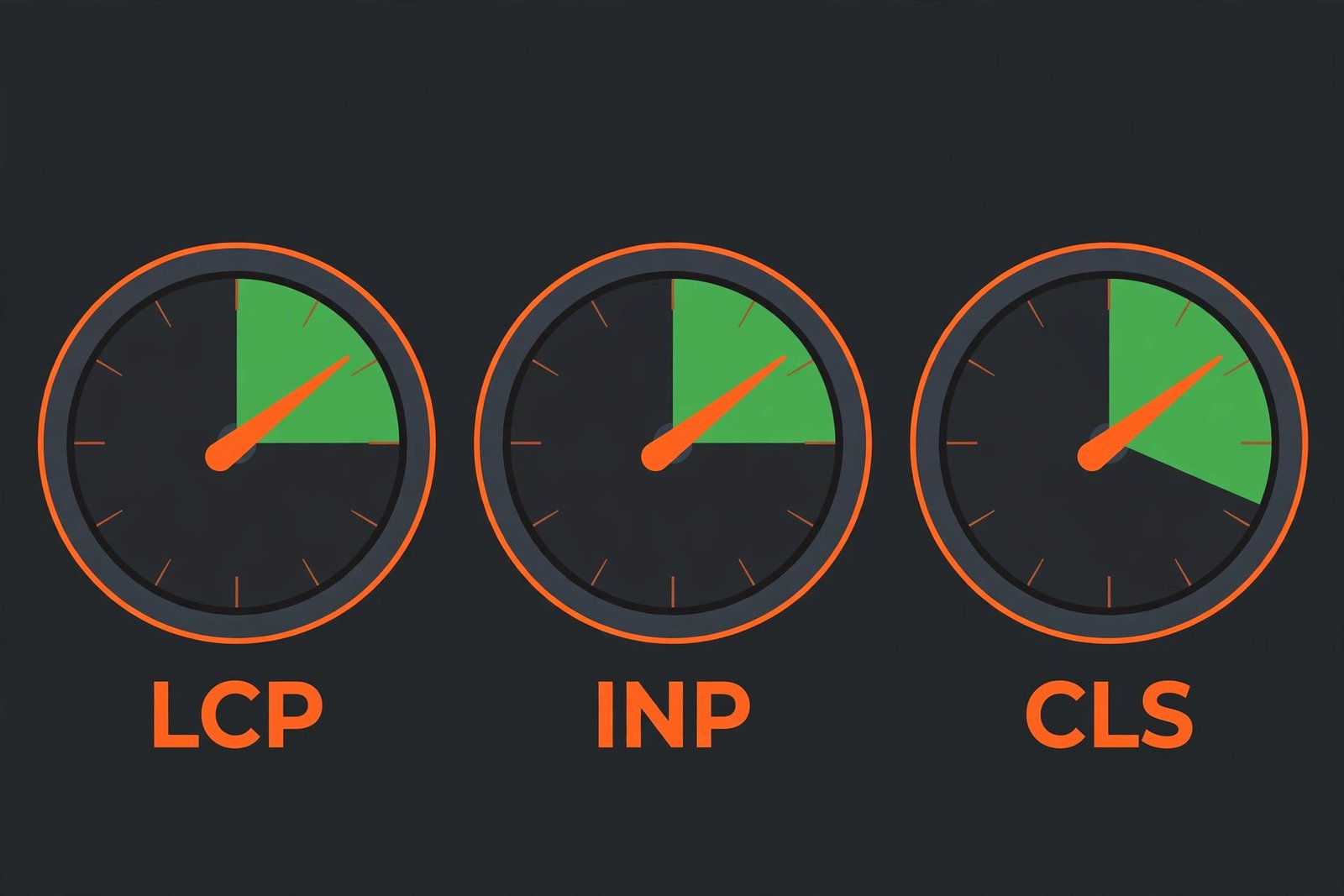
- LCP — Largest Contentful Paint. How long until the biggest thing in view — usually the hero image or main heading — finishes loading.
- INP — Interaction to Next Paint. How long the page takes to react when someone clicks a link, taps a menu or types in a search box — its delay, in other words.
- CLS — Cumulative Layout Shift. How much the visible content jumps around while the page loads.
Together they cover the three things a reader notices first: is it here yet, does it respond, and does it stay still? All three must pass for a page to be rated Good.
The Three Metrics and the “Good” Thresholds
Here are the numbers from Google’s own documentation. The thresholds have not changed since 2024.
| Metric | What it measures | Good | Needs improvement | Poor |
|---|---|---|---|---|
| LCP | Loading — when the largest visible element appears | 2.5 seconds or less | 2.5–4.0 seconds | Over 4.0 seconds |
| INP | Responsiveness — delay between an interaction and the next visual update | 200 ms or less | 200–500 ms | Over 500 ms |
| CLS | Visual stability — how much content shifts unexpectedly | 0.1 or less | 0.1–0.25 | Over 0.25 |
One note: INP replaced First Input Delay (FID) in March 2024. FID only measured the first interaction; INP measures the whole visit, so a page can pass FID and still fail INP.
How to Check Your Core Web Vitals (Free)
You need two free tools, and both belong to Google.
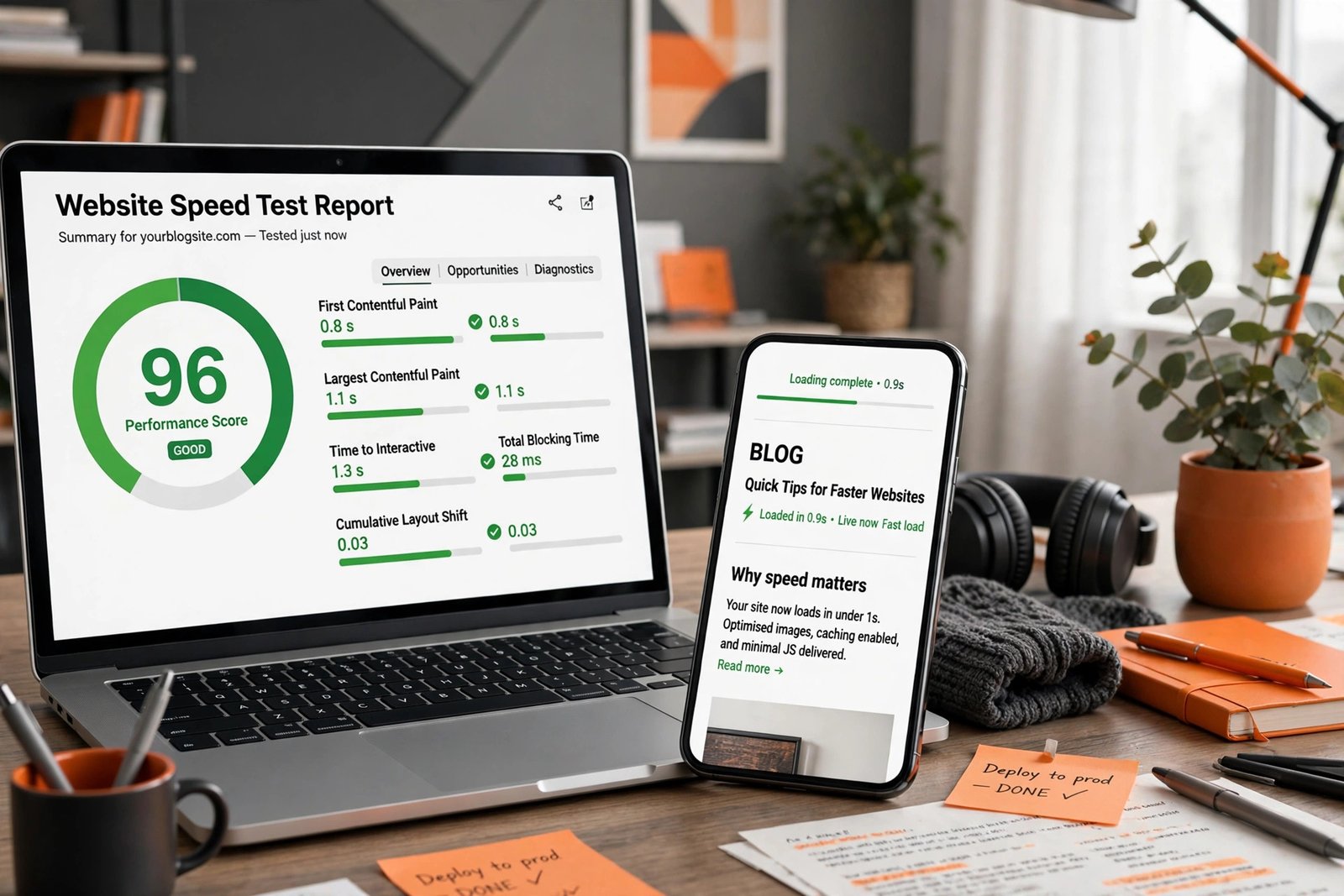
PageSpeed Insights: the page-by-page check. Paste in any URL and run it. The top of the report is the part that counts: field data from real users over the last 28 days, showing your LCP, INP and CLS at the 75th percentile, with a pass or fail for each. Below it is the lab data — a simulated test on Google’s servers — with suggested fixes.
Use field data to decide what is wrong and lab data to decide how to fix it. A glowing lab score next to a failing field score is the classic trap — the lab ran on a fast connection, while your readers are on a bus with one bar of signal. Trust the field data.
Run the check on your homepage and your three most-visited posts. Bloggers almost always find the same pattern: the homepage is the slowest page on the site, because it carries the most images, widgets and scripts.
Search Console: the whole-site view. Search Console has a Core Web Vitals report that groups every URL into Good, Needs Improvement or Poor, separately for mobile and desktop — which is how you spot a theme or plugin issue rather than a single slow post. Our guide to the Google Search Console reports that actually matter walks through the exact reports to use.
How to Fix LCP: Make the Biggest Thing Load First
LCP is the metric most bloggers fail, and the one with the clearest fixes. On a typical post the LCP element is the featured image or the main heading — your job is to get that one element on screen as fast as possible.
Shrink the hero image — properly. A 3,000-pixel-wide JPEG displayed at 1,200 pixels wastes more than half its file size for nothing. Resize it to the size it is actually shown at, then convert it to WebP — roughly a quarter to a third lighter than JPEG at the same quality. Plugins like ShortPixel or Imagify do both automatically. Our guide to image SEO for blogs covers file names, alt text and compression, and our Image Compressor tool shrinks an image before you upload it.
Never lazy-load your hero image. Lazy loading suits images below the fold, but it is the single most common self-inflicted LCP wound on blogs: if the browser is told to wait before loading the biggest image on the page, LCP waits too. Your theme or optimisation plugin may lazy-load everything by default — check that the featured image is excluded.
Cut the server response time. LCP cannot start until the server answers, so aim for a Time to First Byte (TTFB) under 800 milliseconds. A caching plugin that serves a saved copy of the page instead of building it fresh on every visit is usually the biggest single win — and the easiest.
How to Fix INP: Make the Page React
INP is about what happens after the page loads: a reader taps your menu and nothing happens for half a second. That lag almost always comes from JavaScript — too much of it, or the wrong kind.
Cut the JavaScript you do not need. Every plugin, widget and embed adds JavaScript: share bars, related-post sliders, comment systems, chat widgets, cookie banners, analytics, tag managers. Audit your plugins like a subscription list — if you have not used one in months, deactivate it and test the site. Fifteen plugins will almost always feel slower than eight.
Delay the third-party scripts. The heaviest JavaScript on most blogs does not come from the blog at all — it comes from ad networks, social embeds and analytics. These scripts cause the long tasks that block the browser from responding to a tap, so load them after the page becomes interactive, or remove the ones nobody reads. Display ads cost small blogs the same way: they slow pages down, shift layouts, and drag down the scores Google uses to judge your site. Our honest look at display ads on a small blog explains when they help and when they hurt.
How to Fix CLS: Stop the Page From Jumping
CLS is the most annoying metric for readers and the easiest to fix. It is caused by content arriving late and pushing everything else down. Every fix is the same idea: reserve the space before the content arrives.
Give every image width and height. When a browser does not know how big an image will be, it guesses — and redraws the whole page when the image loads. Modern WordPress adds these attributes automatically, but images from older editors or page builders often lack them. Check your most-visited posts.
Reserve space for adverts and embeds. An advert slot with no fixed height is a layout shift waiting to happen. Give each ad slot a minimum height so the page does not jump when the advert loads — and do the same for embedded videos, social posts and newsletter forms.
The Order to Fix Things In
If all three metrics are failing, do not fix everything at once. Work in this order:
- LCP first. It is usually the biggest failure, and its fixes — image sizing, caching, hosting — are the most mechanical.
- CLS second. Its fixes are small, quick and almost always permanent.
- INP last. It is the hardest to diagnose, and its fixes — cutting scripts, reworking plugins — need more testing. Do it after the other two are green.
Then wait: field data rolls over 28 days, so a fix may not show as a pass for two to four weeks. Check weekly, and change one thing at a time.
What to Do When Your Scores Will Not Budge
Some blogs hit a wall, and it is usually one of three things.
The theme is the problem. A theme built around sliders, animations and page-builder widgets can be slow no matter what you optimise. If LCP stays over 4 seconds with images compressed and caching on, test the same content on a lightweight default theme.
The hosting is the problem. Shared hosting on an overloaded server can add a second or more to every page, and caching cannot fix a slow server. If Time to First Byte is over a second on a cached page, talk to your host or consider moving.
Your expectations are the problem. A perfect score is not the goal — “Good” at the 75th percentile is. Speed is a ranking signal, not the ranking: a fast page with thin content still loses to a slower page with the better answer.
Run our blog SEO audit once a quarter to catch the problems that creep back in between fixes.
A Simple Monthly Routine to Keep Scores Green
Core Web Vitals are not a one-time project — every new plugin, oversized image and advert slot can push a score back over the line:
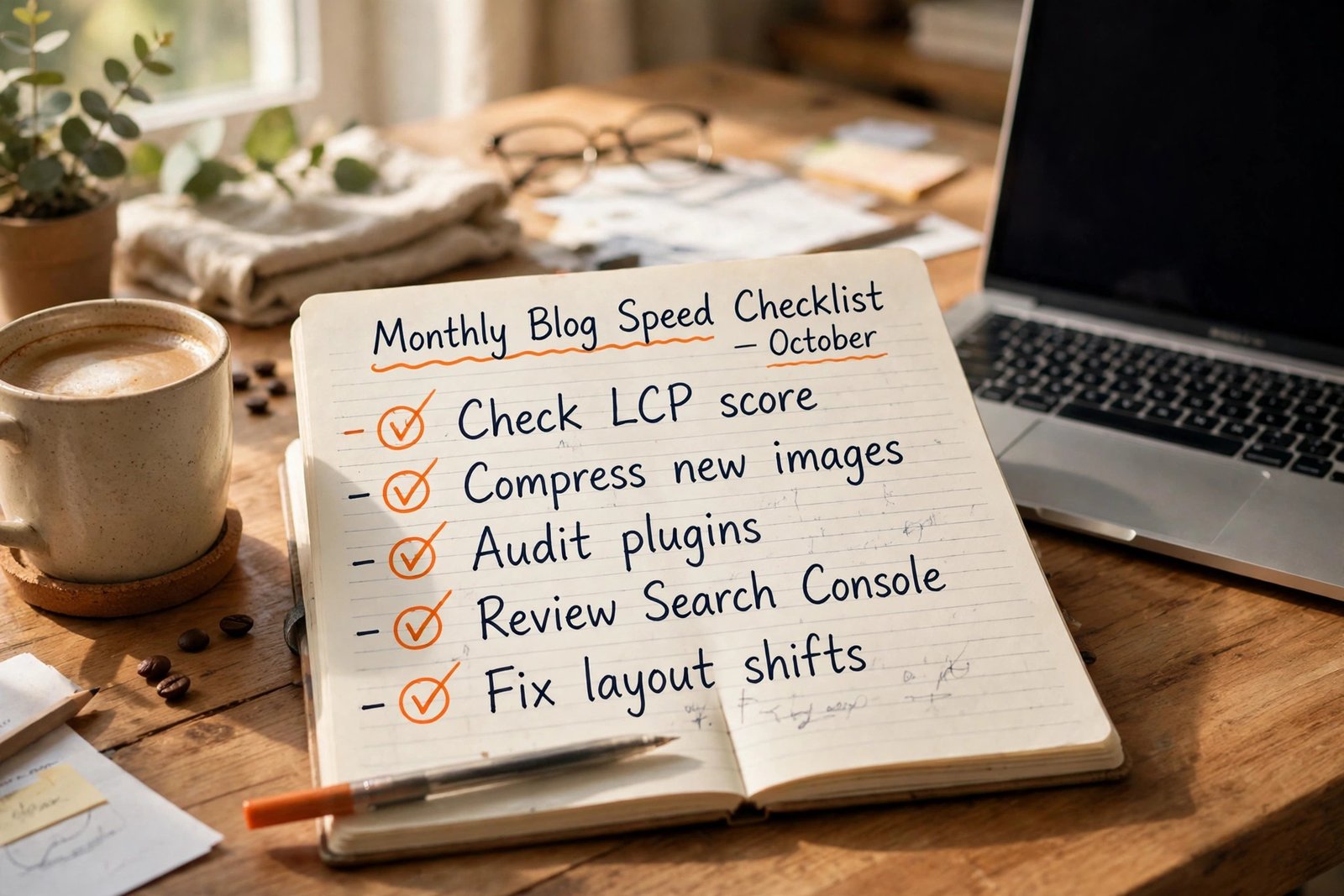
- When you publish: compress every image before upload, and never lazy-load the featured image.
- Once a month: run PageSpeed Insights on your homepage and top three posts, and check Search Console for any group that slipped into Needs Improvement.
- Once a quarter: audit your plugins and third-party scripts, and remove anything you no longer use.
If you want a quicker way to spot-check a page, our free Website Speed Checker gives you a fast read on any URL. And the WordPress technical SEO checklist covers sitemaps, schema and crawl settings.
Frequently Asked Questions
What are Core Web Vitals in simple terms?
Core Web Vitals are three Google measurements of how a page feels to real visitors: LCP is loading speed (good: 2.5 seconds or less), INP is reaction time (good: 200 milliseconds or less), and CLS is layout stability (good: 0.1 or less). A page must pass all three to be rated Good.
Do Core Web Vitals affect my Google rankings?
Yes, but as one signal among many. They matter most when two pages are otherwise equal — a faster, more stable page can win the tie. They will not rescue thin content or sink a great article on their own.
How long does it take for Core Web Vitals to improve after I fix something?
Field data is measured over a rolling 28-day window, so a fix usually takes two to four weeks to show up as a pass. Lab scores improve immediately, but Google ranks you on the field data — so change one thing at a time.
What is a good Core Web Vitals score for a small blog?
Good means LCP of 2.5 seconds or less, INP of 200 milliseconds or less, and CLS of 0.1 or less, with at least 75% of real visits meeting those numbers.
Final Word
Core Web Vitals sound technical, but the idea is simple: a page should load quickly, react when you touch it, and stay still while you read.
Start with the biggest win — your hero image and your caching — then stop the page from jumping, then trim the scripts that slow down taps.