Readability Checker: What Your Score Means and How to Write More Clearly

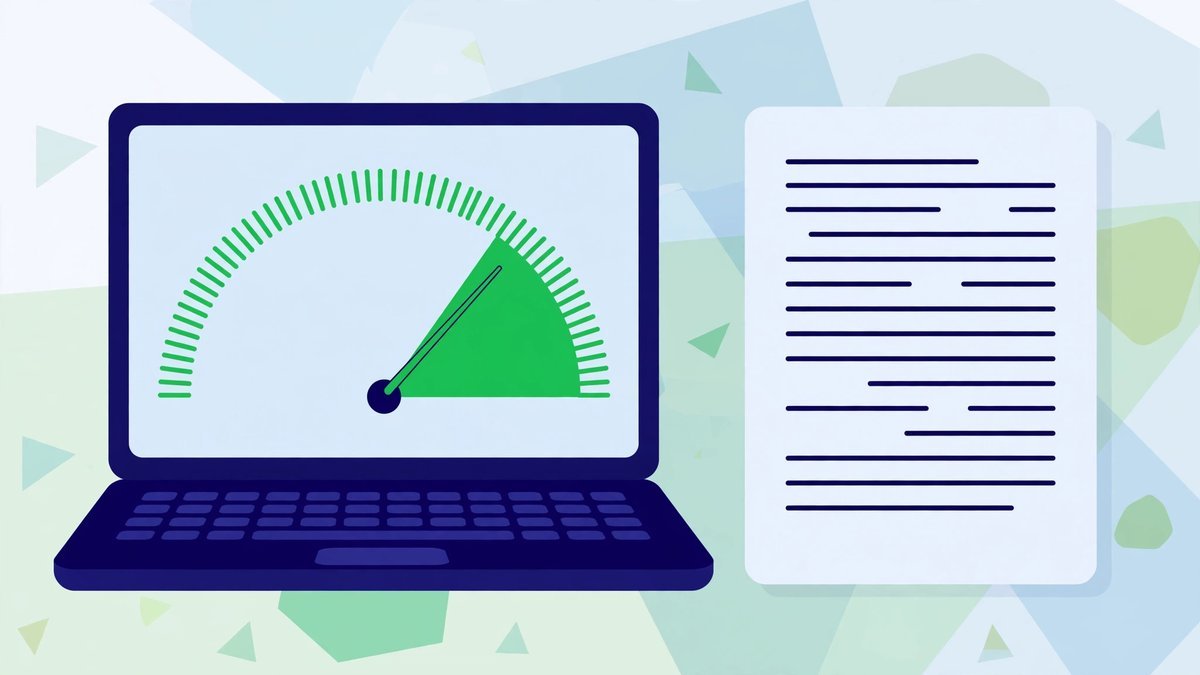
A readability checker is a tool that scores how easy a piece of writing is to read. You paste in your text, and it measures sentence length and word length, then turns them into a score — usually a Flesch Reading Ease number and a reading grade level. Paste in a blog draft and you’ll see within seconds whether it’s light and clear, or a dense thicket readers will abandon.
That matters more than bloggers like to admit. Nobody emails you to say your paragraphs were hard work. They just leave; your analytics just show a twelve-second visit. A checker cannot tell you whether your ideas are any good — but it is brutally honest about the one thing you’re worst at judging yourself: how your writing feels to someone who didn’t write it.
If you have a draft open, try it now. Paste a few paragraphs into our free readability checker and see what it flags — most writers find a sentence that had quietly grown to forty words. Then come back, and we’ll go through what the numbers mean and which are worth acting on.
What the Scores Mean, in Plain English
The two numbers you’ll meet are Flesch Reading Ease and the grade level. Flesch runs from 0 to 100; higher means easier, worked out from your average sentence length and syllables per word. Short sentences and short words score high; long sentences full of polysyllables score low. Here’s the rough map:
| Flesch score | How it reads | Who it’s comfortable for |
|---|---|---|
| 90–100 | Very easy | Almost anyone |
| 70–89 | Easy | Most blog readers |
| 60–69 | Plain English | General adult readers |
| 50–59 | Fairly hard | Committed, practised readers |
| 30–49 | Hard | Technical audiences |
| 0–29 | Very hard | Academic and legal writing |
The grade level translates the same idea into American school grades: grade 8 means a typical 13-year-old could follow the text comfortably. That doesn’t make your readers teenagers; it means your writing’s mechanics sit where most adults — tired, distracted, on phones — can read without effort.
Two honest warnings before you chase numbers. First, the formulas are crude: they count syllables and sentences, and cannot tell a clear long sentence from a muddled short one. Second — and this gets misrepresented constantly — readability scores are not a Google ranking factor. Google does not use your Flesch score, and no score guarantees traffic. Clear writing helps because readers finish clear pages, share them and come back. The score is a mirror, not a lever.
What Actually Makes Blog Text Hard to Read
When a post scores badly, it’s rarely because the words are too clever. It’s usually one of four culprits:

Sentences That Refuse to End
You start with a good point, then a clause joins it, then a qualification, then a “which” that drags in a second idea — until the reader reaches the full stop having forgotten how it began. One long sentence now and then is fine — it adds rhythm. But when the average creeps up, everything feels like homework.
Paragraphs Like Brick Walls
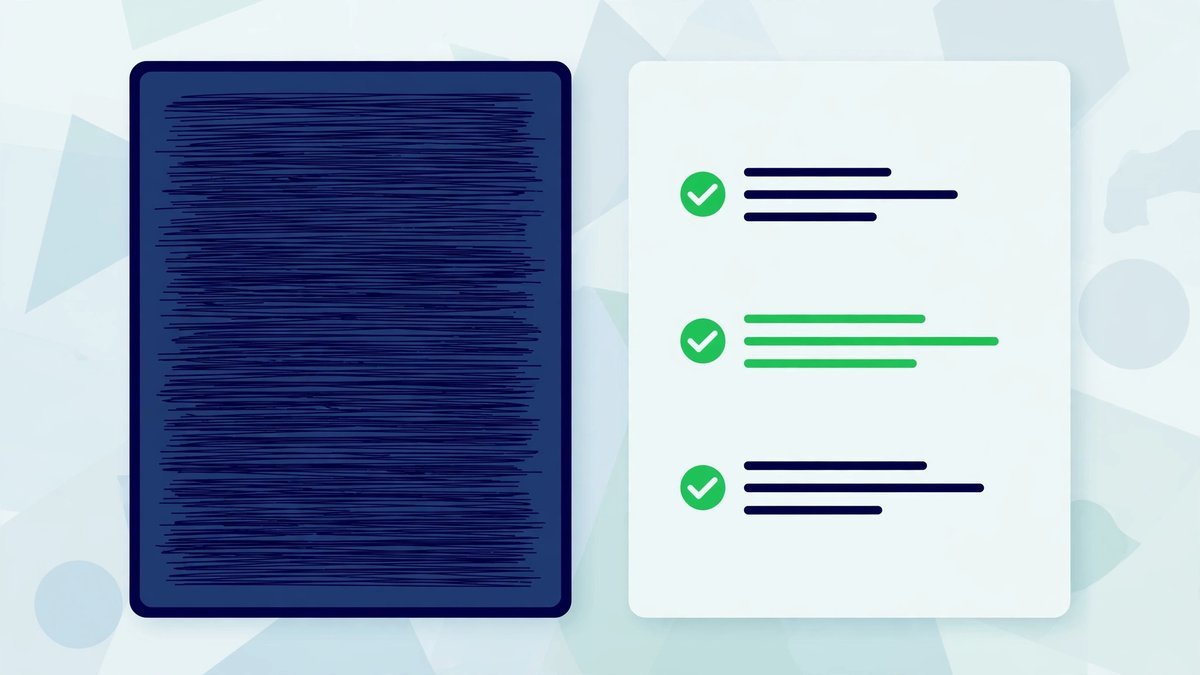
On a phone, a ten-line paragraph is a wall to climb before reaching anything resembling a reward. Most readers decide whether to continue within a block’s first couple of lines — and faced with an unbroken slab of text, plenty decide against you.
Jargon and Insider Shorthand
Every niche has words that feel like plain English to insiders and static to outsiders. Bloggers are offenders in their own field: “leverage”, “synergy”, “ecosystem” used to mean a folder of plugins. If a term earns its place, explain it once. Otherwise cut it and say the normal word.
The Passive Fog
“It was decided that the update would be implemented.” By whom? Passive sentences float free of any human being, and a page of them reads like a corporate press release. The passive isn’t always wrong, but when nobody in your post ever does anything, readers feel the fog anyway.
Fixes That Actually Work
You don’t need to rewrite your voice or hire an editor — just a short list of repairs, applied to the worst offenders rather than every sentence you own.
- Shorten the worst sentences, not all of them. Find the three longest and split each at an “and”, a “but” or a “because”. Leave the rest alone — three surgical cuts beat a blanket rewrite.
- Break paragraphs before they look like work. Two to four lines on a phone screen is plenty. White space isn’t wasted space; it’s breathing room.
- Put the point first. Open each section with the answer or recommendation, then explain underneath. Readers scan top-down; anyone who reads only your first lines should still get the gist.
- Cut the filler phrases. In order to becomes to. Due to the fact that becomes because. In the event that becomes if. None of these swaps changes your meaning; they just remove the packaging.
One more fix costs nothing: subheadings that carry meaning. “Our process” tells a scanning reader nothing; “What happens after you order” tells them what’s coming. You’d run your title through a headline analyzer before publishing — subheadings are the same promise in miniature, and deserve the same care, lightly applied.
Before and After: The Same Point, Half the Effort
Here’s the sort of sentence that appears on business blogs daily:
Before:
“In order to facilitate an improvement in the performance of your website, it is advisable that an evaluation of page loading times be undertaken on a regular basis, due to the fact that excessively prolonged loading durations have been shown to result in a significant increase in the proportion of visitors who abandon the page prior to engaging with its content.”
Sixty-one words, one sentence, and the actual advice — check your page speed — buried like a raisin in a stodgy pudding.
After:
“Check your page speed regularly. Slow pages lose people: if a page takes too long to open, most visitors leave before they’ve read a single word.”
What changed? One sentence became three, due to the fact that vanished, and the recommendation moved to the front, where scanning readers will meet it. What didn’t change is the information. Version two isn’t dumber or less professional — just the same point, scaffolding removed.
When a Lower Score Is Fine
Scores mean nothing except relative to your audience. A post on mortgage conveyancing, tax residency or Kubernetes networking will score lower than one about houseplants, because the subject’s vocabulary is long and precise. That’s not failure: approximately sometimes has to stay, because “about” isn’t accurate enough.
Readable does not mean dumbed down; it means clear for the people you’re actually writing for. A B2B reader comparing products reads differently from someone browsing a hobby blog — hunting for specifics, tolerating denser text, and trusting you less if you wrote about their work in words of one syllable.
The real trap is chasing a very high score. Writers aiming for 90-plus mutilate decent prose — sentences chopped to eight words, long words banned — until the post reads like flat-pack furniture instructions. A post that sounds like a robot clearing its throat has its own readability problem; it’s just one the formula can’t see.
How to Use a Readability Checker in Your Edit Pass
The checker belongs at the end of the writing process, never during it. Draft the post naturally, then open the readability checker, paste the whole thing in, and work through what it reports: the Flesch score, the grade level, the sentence statistics and the longest sentences. It all runs in your browser — nothing to upload, no account to create.
Start with the longest sentences. Read each aloud; if you run out of breath, or lose track of what it was about, split it. Then check the average sentence length, not the headline score. An average in the mid-teens reads comfortably for most blogs, though variety matters more — identical twelve-word sentences, page after page, are their own kind of exhausting.
It helps to know the post’s overall shape, too. A word counter shows the total length and reading time you’re asking of someone; the checker shows how it’s distributed. A 2,500-word post with short paragraphs can feel lighter than an 800-word post written as six brick paragraphs.
The same pass is worth running over your back catalogue. When you update old blog posts — often where the worst offenders hide, written before you found your voice — the checker quickly shows which sections need surgery and which are fine. Ten minutes of splitting sentences often lifts a tired post more than a new section would.

Common Readability Mistakes
- Writing to the checker. Drafting with the score open turns writing into a video game: you delete words instead of thinking, and the post ends up “easy” and forgettable.
- Making every sentence the same length. Short sentence. Short sentence. Short sentence. It reads like a telegram and the rhythm dies. Vary them.
- Deleting words your readers actually need. Cutting the precise term your audience searches for, just to shave syllables. The score improves; the post gets worse.
- Confusing short with clear. A short sentence can still baffle if the idea inside it is tangled. Clarity is about the order ideas arrive in, not word count.
Frequently Asked Questions
What is a good readability score for a blog post?
For a general audience, a Flesch score between 60 and 80 is comfortable — a weather report, not a pass mark. A technical post at 45 can be perfectly readable for its readers; a post at 85 can still be muddled. Your audience decides what “good” means.
Does readability affect my Google rankings?
Not directly. Google doesn’t use Flesch scores or grade levels as ranking factors, and no score guarantees traffic. Readability matters because of what readers do: finish clear posts, share them, link to them, come back. The score just spots problems first.
What reading grade level should I aim for?
Around grade 7 to 9 suits most general blogs — roughly newspaper level. Beginners’ topics can aim lower; professional audiences are fine higher. But if your whole site sits at grade 13+, ask whether you’re writing for readers or for other experts.
Can a readability checker rewrite my post for me?
No — and that’s a feature. The Click Hype checker reports the scores and points at your longest sentences; rewriting is your job, because only you know what you meant. Auto-rewriting tools tend to flatten your voice into the same porridge everyone else publishes.
Why does my post score badly when my readers seem happy?
Probably because your readers are the right audience for it. Formulas are blind to context: they penalise long words even when they’re the correct terms your readers use themselves. If real people finish your posts, believe them over the formula — use the checker only to catch the occasional sentence that got away from you.
Final Thoughts
Readability checking isn’t about pleasing a formula. It’s about respecting the person on the other side of the screen — probably reading on a phone, with eleven tabs open and no obligation to finish. Every dense sentence is a small withdrawal from their patience, and most bloggers can’t afford many.
So make it a habit, not a project. When a draft is finished, paste it into the readability checker, fix the handful of sentences that genuinely need it, and publish. Your readers will never know — which is rather the point. They’ll just notice your posts are easy to finish, and come back for the next one.