





Social Media Video Downloader: What Actually Works (and What Doesn’t)
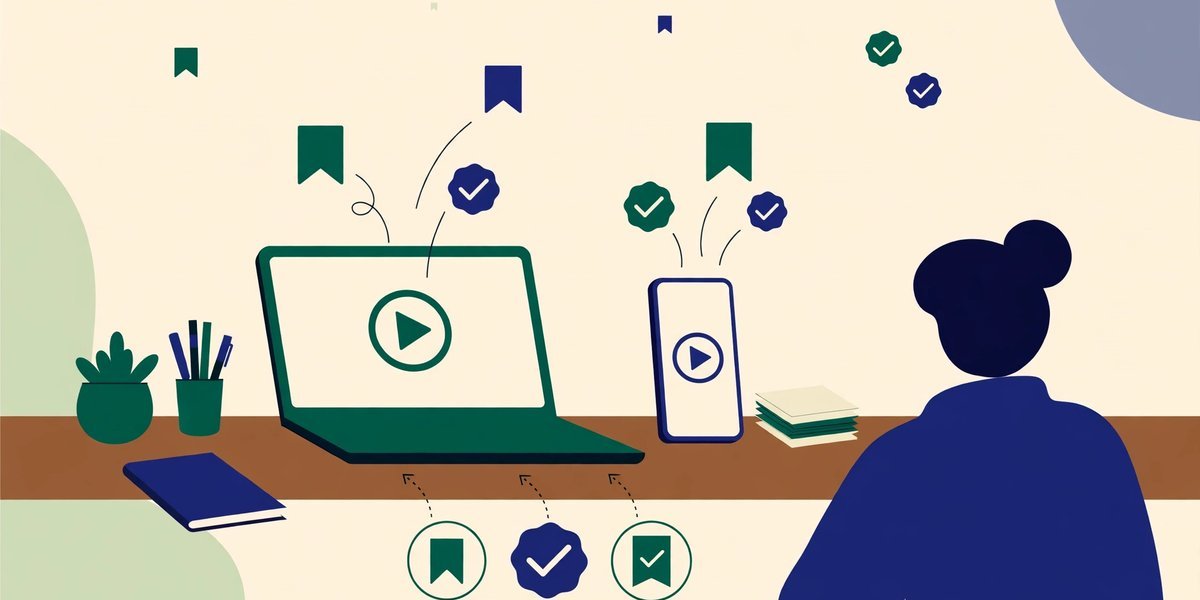
Let’s start with the answer most downloader pages won’t give you. No website — including ours — can genuinely pull a video file off YouTube, Instagram, Facebook or TikTok just because you pasted a link into a box. The platforms block that deliberately, and the resolver services that once did the fetching behind the scenes now sit behind human-verification checks and have dropped YouTube altogether. So a social media video downloader that magically turns any link into an MP4 doesn’t honestly exist. What does exist is more useful: each platform’s official save options, a safe way to save direct video files, and a page that identifies your link, previews what it can, and points you to the right route.
This guide walks through those routes platform by platform, and shows exactly what our page does — and doesn’t — do.
Can a Website Really Download a Video from a Link?
A social video link isn’t a video file. It’s the address of a web page that plays a video, usually in small streamed pieces, behind the platform’s own player and rules. The actual file sits on servers that check who’s asking, and they refuse requests from random websites. That’s not a hiccup to work around; it’s the platforms protecting creators’ work.
That’s why the classic “paste link, press download, pick HD” sites break constantly and change domains every few months: where fetching happens at all, it runs through their own servers. A page running entirely in your browser, like ours, never even receives the video: your browser talks to the platform, and the platform says no. The working methods are the official ones — especially for your own content, where full-quality downloads often already sit in your account settings.

The Legitimate Way to Save Videos, Platform by Platform
Every major platform offers at least one proper way to keep a video for later — the options differ, and knowing which is which saves frustrated searching.
YouTube: Premium Downloads and Saving for Later
On the free tier, Watch Later and Save are for organising, not downloading — the video still streams when you play it. Genuine offline downloads inside the YouTube app are a YouTube Premium feature: tap Download under a video and it stays available offline in the app while your subscription lasts. It isn’t a file you can move elsewhere, edit or re-upload, and that’s deliberate.
Instagram: Save Posts and Download Your Own Reels
For other people’s content, Instagram’s built-in option is Save — tap the bookmark icon and the post or Reel goes into your saved collection, still inside the app. There’s no official download button for someone else’s video; that’s a rights decision, not a missing feature. For your own Reels, many accounts can tap the ⋯ menu and use Download; everyone else can request their media through Settings → Accounts Centre → Download your information.
TikTok: Share, Then Save — When the Creator Allows It
Open a video, tap Share, and if the creator has downloads enabled, you’ll see Save video — that saves the clip to your phone, watermark and all, entirely officially. If downloads are off, the button isn’t there — a choice to respect, not route around. For your own videos, Settings → Account → Download your data recovers your uploads in bulk.
Facebook: Save Video for Later Viewing
Facebook’s equivalent is Save video, in a post’s ⋯ menu. It files the video into your Saved items — but it streams when you watch, rather than landing on your device as a file. Your own videos are different: on desktop, open your profile’s Videos section, hover over your video, and the ⋯ menu offers Download video. Settings → Your Facebook information → Download your information exports a full archive.
X (Twitter): Saved Posts and the Premium Download Option
On X, the free option is bookmarking a post for later — viewing stays in the app or on the site. Some subscribers get more: X Premium offers a download option on eligible videos in the mobile apps, where the post allows it — not universal, and it changes as X adjusts its tiers. For your own uploads, creators can download videos added through X Studio; anyone can request their archive via Settings → Your account.
Saving Your Own Videos — and Videos You Have Permission to Use
If you create video for a blog or business, getting your own files back matters far more than grabbing anyone else’s. Clips get deleted from phones, laptops die, and the platform version is sometimes the only copy left.
Every platform gives creators a proper route, and our tool page gathers the steps in one accordion. In brief: YouTube Studio → Content, hover the video, open the ⋮ menu and choose Download (daily limits apply), or use Google Takeout for your uploads in original quality. Instagram and Facebook route through their information-download tools. TikTok lets you save your own videos in the app and request your data for the rest. Vimeo and Dailymotion put download options in their studio dashboards for your uploads.
Then there’s permission beyond your own uploads: a client’s product video for a sponsored post, a collaborator’s agreed clip, or stock and Creative Commons footage licensed for reuse. The cleanest method is the direct one — ask for the original file, or use the download the licence provides. A link pointing straight at a file ending in .mp4, .webm, .mov or .ogg can be saved directly.
What doesn’t count as permission matters just as much. A video being public doesn’t make it yours. Downloading someone else’s video to re-upload it, trim it into your content without a licence, or monetise it breaches their copyright and the platform’s terms — “credit in the description” doesn’t fix that. UK fair dealing covers specific things like criticism and review; it isn’t a general permission slip.

Why Third-Party “Paste a Link” Downloaders Are Risky
Search for a downloader and you’ll find dozens of near-identical sites promising free HD downloads, no watermark, no sign-up. Almost all carry the same problems:
- Malware and malicious adverts. The business model is aggressive advertising: fake Download buttons, pop-unders, notification traps and redirects pushing extensions you absolutely shouldn’t install. The real button, if it exists, is usually the smallest one on the page.
- Broken, constantly. The fetching depends on workarounds the platforms actively close, so these sites fail without warning or quietly drop the platform you wanted.
- Terms-of-service breaches. Downloading outside a platform’s official routes generally breaches its terms — and the content may still be protected by copyright, however you obtained it.
- Your data as the price. Sites asking you to sign in, install an app, or disable security software want far more than a video is worth. Never hand a downloader your platform password. Ever.
The risk isn’t hypothetical; it’s the standard experience — and far costlier than the official route.
What the Click Hype Page Actually Does
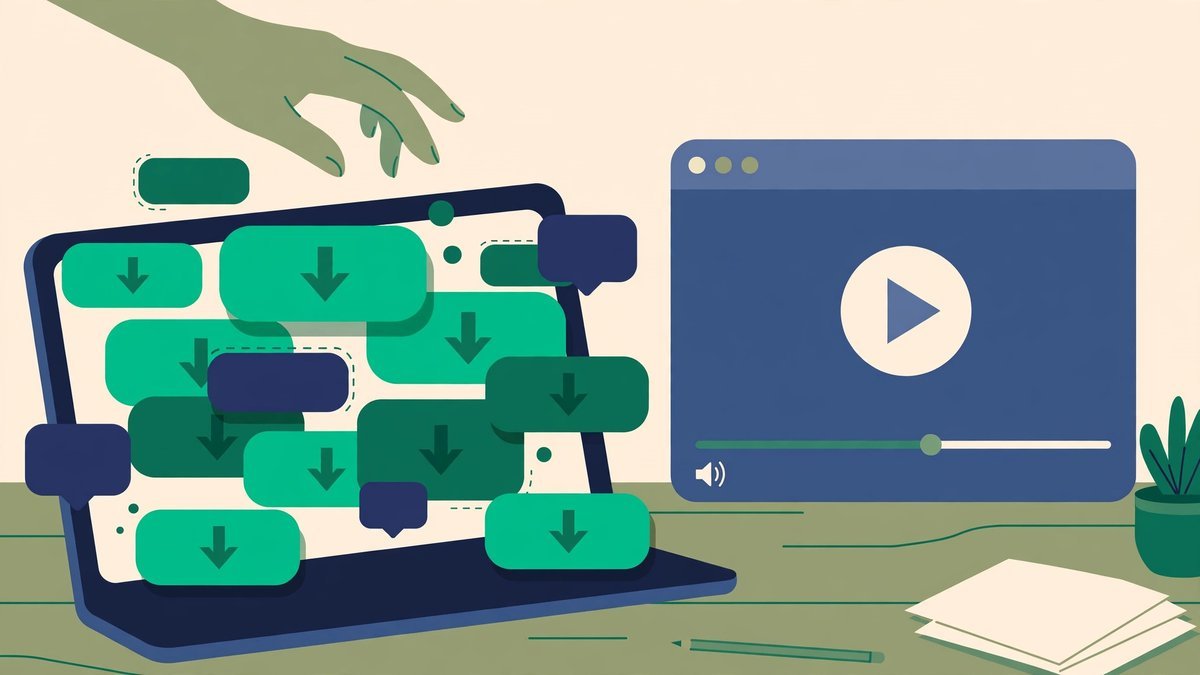
So what happens when you paste a link into our video downloader and press Get Video Info? Everything runs in your browser — the link is never sent to our servers — and the page does five things, no more.
First, it identifies the link. The page reads the URL itself and works out the platform — YouTube, Facebook, Instagram, TikTok, X, Vimeo or Dailymotion — plus the video’s ID, with a copy button for it. An unsupported link gets a plain error, not pretend processing.
Second, it previews what it’s allowed to preview. YouTube, Vimeo and Dailymotion permit embedding, so those videos play in the page’s player. Facebook, Instagram, TikTok and X don’t allow embedding, so the page says so instead of showing a broken player, and points you to the official steps.
Third, for YouTube links, it fetches the thumbnails. The full set appears in five sizes, from the 1280 × 720 maximum down to the small default, each with View and Download buttons, served from YouTube’s own image servers. If the biggest size was never created for an older video, it’s marked “Not available” rather than faked. If thumbnails are what you really came for, our youtube thumbnail downloader guide covers sizes, uses and copyright in depth.
Fourth, direct file links get a real download. If your link points straight at a file — .mp4, .webm, .mov or .ogg — the page switches into downloader mode: file name, format and host, a preview, and a genuine Download button. If the host blocks a direct save, it opens the file in a new tab for a right-click “Save video as…”. That’s the only kind of download any honest browser tool can offer. If direct files are most of what you handle, our all video downloader takes up to ten links at once.
Fifth, it shows the official steps for your platform. Underneath sits an accordion of routes for your own content — YouTube Studio, Google Takeout, the Facebook and Instagram information downloads, TikTok data requests, Vimeo’s owner download. Paste a link and that platform’s section opens automatically, tagged as yours.
Common Mistakes to Avoid
- Expecting a page link to behave like a file. A youtube.com/watch link is a web page, not an MP4. Until a link ends in a file extension, there’s nothing for a browser tool to save.
- Trusting the biggest Download button. On third-party sites, the loudest button is usually an advert. If a page pushes notifications or an installer, close it.
- Assuming “public” means “free to reuse”. Visibility isn’t a licence. Re-uploading or monetising someone else’s video without permission can bring takedowns, strikes and claims.
- Sharing your login with a “downloader app”. No legitimate route needs your platform password on a third-party site. Official downloads happen inside the platforms.
Frequently Asked Questions
Can any website really download a video from a YouTube or Instagram link?
No. The platforms block external sites from fetching their files, and the resolver services that once did it through their own servers now require human verification and no longer support YouTube. Sites claiming instant downloads use those fragile servers, or just show adverts.
Is it legal to download videos from social media?
Downloading your own videos is fine — the platforms provide official ways. Saving videos you’re licensed or permitted to use is fine too. Downloading someone else’s video to re-upload, edit into your content or monetise generally breaches their copyright and the platform’s terms, even if you credit them.
How do I download my own YouTube video in full quality?
Use YouTube Studio → Content, open the video’s ⋮ menu and choose Download, or Google Takeout to export your uploads in original quality in bulk. Studio has a daily limit per video, and claimed videos may not download there — Takeout is the fallback.
What’s the difference between saving a video and downloading it?
Saving — Instagram’s bookmark, Facebook’s Save video, YouTube’s Watch Later — files the video inside the app; it still streams when you play it. Downloading puts an actual file, or an offline copy in the app (such as YouTube Premium’s), on your device.
Can this tool download a direct MP4 link?
Yes. If a link points straight at a file ending in .mp4, .webm, .mov or .ogg, the page switches to downloader mode with a preview and a real download button. Platform page links are only identified and previewed where embedding is allowed — the file comes through the official route.
Final Thoughts
The honest version is shorter than the hype: files belong to their uploaders, platforms guard them on purpose, and the routes that work are the official ones — Premium offline viewing, each app’s save options, creator downloads, and direct links for media that’s yours or licensed. Used that way, a social media video downloader page becomes what it should be: not a magic box, but a tidy starting point that identifies your link, previews what it can, grabs thumbnails and sends you down the route that works.
Keep your own uploads backed up, respect other creators’ download settings, and steer clear of any site needing your password or an installer to “unlock” a video.


