

Click Hype Click Hype
  • Home
  • Ai
  • SEO for Bloggers
    • Digital Marketing
  • Blogging Tips
  • Keywords Strategy
  • Content Strategy
    • Monetization
  • Tools
Nav
Nav
Click Hype

Your Clicks, Our Hype

Blogging Tips November 19, 2026

Blogging Consistency: How to Publish Every

Blogging Tips November 18, 2026

How to Choose a Blog Niche

SEO for Bloggers November 18, 2026

Long-Tail Keywords: The Beginner Blogger’s Shortcut

SEO for Bloggers November 18, 2026

SEO Title Tags and Meta Descriptions

  • Home
  • Ai
  • SEO for Bloggers
    • Digital Marketing
  • Blogging Tips
  • Keywords Strategy
  • Content Strategy
    • Monetization
  • Tools
Click Hype > Blog > Blogging Tips
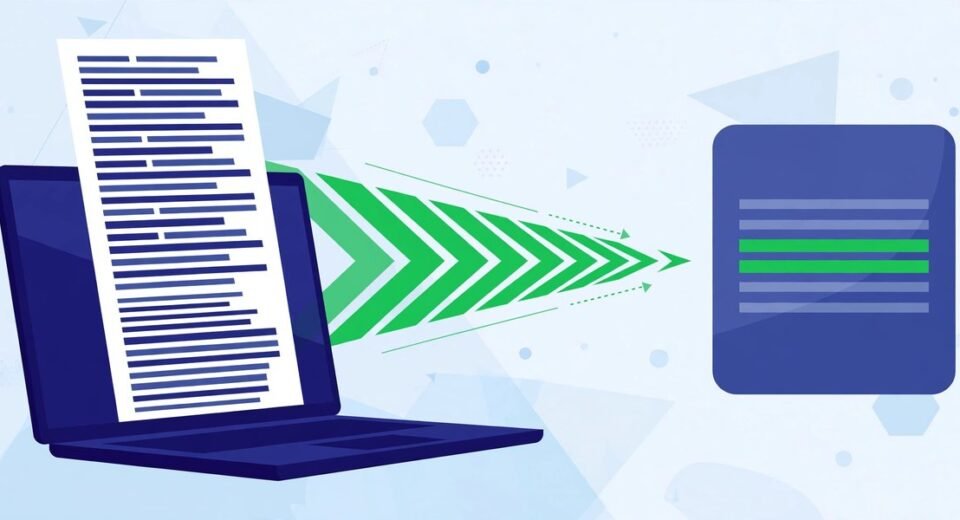
A blogger previewing a blog page layout on a laptop, where the article text is shown as neat placeholder lines, with design sketches beside the screen Blogging Tips

Lorem Ipsum Generator: How to Use Placeholder Text Properly

  • mhassanameen96@gmail.com
  • October 31, 2026
  • 0 Comments

Lorem ipsum is placeholder text: dummy copy that fills the space where real words will eventually go, so a design can be judged before the writing exists. A lorem ipsum generator makes that text for you in whatever quantity you need — paragraphs for a page mockup, sentences for a card or caption, or an […]

Read More
A blogger downloading a website's favicon on a laptop, with the tiny icon enlarged in a magnifying circle beside the screen Blogging Tips

Favicon Grabber: How to Download Any Website’s Favicon (and Use It Fairly)

  • mhassanameen96@gmail.com
  • October 31, 2026
  • 0 Comments

A favicon grabber downloads the icon file a website already makes public — the little logo you see in its browser tab — and hands it to you as a saveable image. There’s no trick to it: every browser fetches that file quietly each time anyone visits the site. A grabber simply fetches it on […]

Read More
A blogger creating a tiny favicon for their blog on a laptop, with the finished icon enlarged in a circle beside the screen Blogging Tips

Favicon Generator: How to Make a Favicon from Text or an Emoji

  • mhassanameen96@gmail.com
  • October 31, 2026
  • 0 Comments

A favicon is the small square icon that represents your site — the tiny logo you see in a browser tab, next to a bookmark, and beside your site name in Google’s search results. Short for “favourite icon”, it’s usually just 16 × 16 pixels on screen, yet one of the most-seen pieces of branding […]

Read More
A blogger adding a GPS location pin to a photo on a laptop screen, with a camera and a folded map beside them Blogging Tips

How to Geotag Photos: Add GPS Coordinates to a JPG (and Know When Not To)

  • mhassanameen96@gmail.com
  • October 31, 2026
  • 0 Comments

To geotag a photo is to write GPS coordinates — a latitude and longitude — into its EXIF data, the hidden information block inside the file. The picture doesn’t change at all. Nothing is stamped or drawn on it. The location simply sits inside the file, readable by photo apps and maps — the same […]

Read More
A blogger converting image files between JPG, PNG and WebP formats on a laptop, with format tiles arranged beside it Blogging Tips

Image Converter: How to Convert JPG, PNG and WebP Without Losing Quality

  • mhassanameen96@gmail.com
  • October 31, 2026
  • 0 Comments

An image converter takes a picture saved in one file format — a PNG screenshot, say — and re-saves it in another, such as JPG or WebP. The picture itself stays the same; what changes is how the file stores it, and that decides the file’s size, whether it can have a transparent background, and […]

Read More
A blogger turning a long, messy headline into a short, tidy URL slug on a laptop screen SEO for Bloggers

Slug Generator: How to Turn Any Headline into a Clean, SEO-Friendly URL

  • mhassanameen96@gmail.com
  • October 31, 2026
  • 0 Comments

A URL slug is the final part of a web address — the bit after the domain name that identifies the specific page. In clickhype.co.uk/bake-sourdough-bread, the slug is bake-sourdough-bread. It is the one part of the address you choose yourself, and once the post is live, it tends to stay with that page for its […]

Read More
Case converter tool changing a line of text between upper case, lower case and title case on a laptop screen Blogging Tips

Case Converter: How to Change Text Case Without Retyping a Word

  • mhassanameen96@gmail.com
  • October 31, 2026
  • 0 Comments

A case converter is a simple online tool that changes the capitalisation of your text. Paste in a sentence, a headline or a whole paragraph, choose the case you want — upper case, lower case, title case, sentence case and a few more — and it rewrites the text instantly, so you never have to […]

Read More
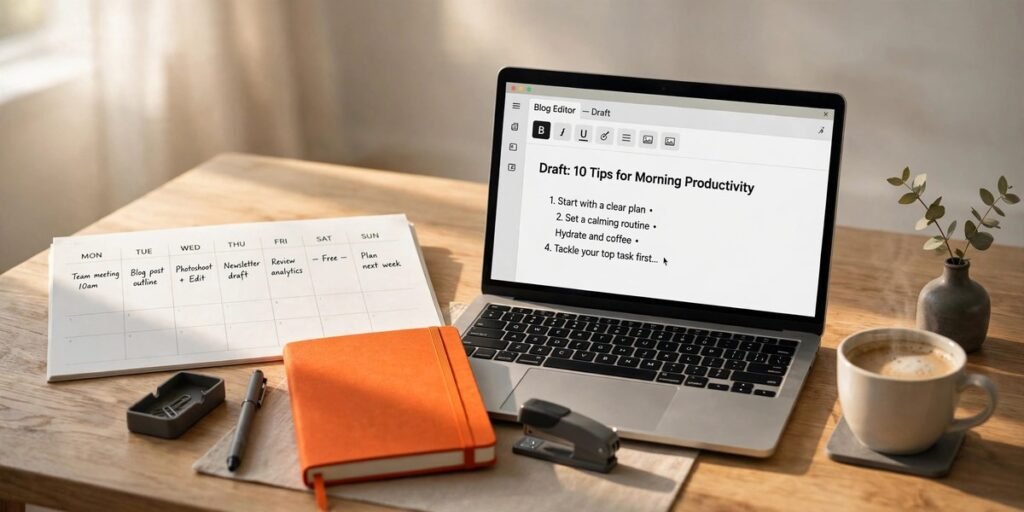
A long blog draft being condensed into a short summary on a laptop screen, with the key sentences highlighted Content Strategy

Text Summarizer: How to Shorten Long Text Without Losing the Point

  • mhassanameen96@gmail.com
  • October 31, 2026
  • 0 Comments

A text summarizer is a tool that shortens a long piece of writing down to its most important sentences. You paste in the text, choose roughly how short you want the result, and it hands back a condensed version you can read in a fraction of the time. For a blogger staring at twelve open […]

Read More
Readability checker showing a blog post's reading ease score and sentence statistics on a laptop screen Blogging Tips

Readability Checker: What Your Score Means and How to Write More Clearly

  • mhassanameen96@gmail.com
  • October 31, 2026
  • 0 Comments

A readability checker is a tool that scores how easy a piece of writing is to read. You paste in your text, and it measures sentence length and word length, then turns them into a score — usually a Flesch Reading Ease number and a reading grade level. Paste in a blog draft and you’ll […]

Read More
An AI content checker scanning a blog draft and highlighting passages with mixed human and machine-like writing patterns Content Strategy

AI Content Checker: What the Score Really Means

  • mhassanameen96@gmail.com
  • October 31, 2026
  • 0 Comments

An AI content checker is a tool that scans a piece of writing for patterns commonly found in machine-generated text: predictable word choices, evenly paced sentences, phrases that repeat a little too neatly. It then tells you how strongly those patterns show up, usually as a percentage or a plain-language indication. Here is the part […]

Read More

Posts navigation

Older posts
Newer posts

Search

Categories

Action(1)
Ai(19)
Blogging Tips(32)
Content Strategy(19)
Fashion(17)
Gaming(1)
Keywords Strategy(6)
Monetization(5)
News(2)
SEO for Bloggers(43)
Tech(3)
Travel(8)
Uncategorized(3)

Recent News

Blogging Tips

Blogging Consistency: How to Publish Every Week Without Burning Out

  • November 19, 2026
Blogging Tips

How to Choose a Blog Niche You Will Not Quit in Six Months

  • November 18, 2026
SEO for Bloggers

Long-Tail Keywords: The Beginner Blogger’s Shortcut to Rankings

  • November 18, 2026

Blog Posts

Blogging Tips November 19, 2026

Blogging Consistency: How to Publish Every Week Without Burning Out

Blogging Tips November 18, 2026

How to Choose a Blog Niche You Will Not Quit

SEO for Bloggers November 18, 2026

Long-Tail Keywords: The Beginner Blogger’s Shortcut to Rankings

SEO for Bloggers November 18, 2026

SEO Title Tags and Meta Descriptions That Get Clicks

Popular Tag

AI Writing (2) Blog Branding (3) Blog Design (2) Blogging Tips (30) Blogging Tools (2) Blog SEO (5) Campaign Tracking (1) Content Strategy (9) Content Writing (2) Core Web Vitals (2) Email Marketing (1) EXIF (1) Favicon (3) Favicon Generator (1) Geotagging (1) Google Analytics (1) Google Indexing (1) Google Search Console (2) Google SEO (2) Image Converter (1) Image Formats (1) Indexing API (1) Instagram Image Size (1) JSON-LD (2) Link Building (2) Local SEO (1) Meta Tags (2) On-Page SEO (5) Online Tools (2) Pakistani online clothes UK (2) Photo Geotag Tool (1) SEO for Bloggers (12) Social Media Image Resizer (1) Social Media Image Sizes (1) Social Media Marketing (1) Summarizing Tool (1) Technical SEO (4) Video Downloader (2) WebP (1) Website Speed (2) WordPress Images (1) WordPress SEO (3) WordPress Tips (2) Writing Tools (2) YouTube Tips (2)
logo white

About

Click Hype helps bloggers grow with honest guides and free tools for blogging, SEO and keyword strategy.

  • clickhypeblog@gmail.com
Follow us

Quick Links

  • Blog
  • About Us
  • Contact Us
  • Food
  • Fashion
  • Technology
  • Creative

Popular Posts

Blogging Tips November 19, 2026

Blogging Consistency: How to Publish Every Week Without Burning Out

Blogging Tips November 18, 2026

How to Choose a Blog Niche You Will Not Quit

SEO for Bloggers November 18, 2026

Long-Tail Keywords: The Beginner Blogger’s Shortcut to Rankings

Get in Touch

Questions, feedback or guest post ideas? Send us an email — we read everything.

clickhypeblog@gmail.com

  • Home
  • About Us
  • Contact Us
  • Privacy Policy
  • Write For Us

© Click Hype