

Password Generator: How to Create Strong Passwords You Don’t Have to Remember
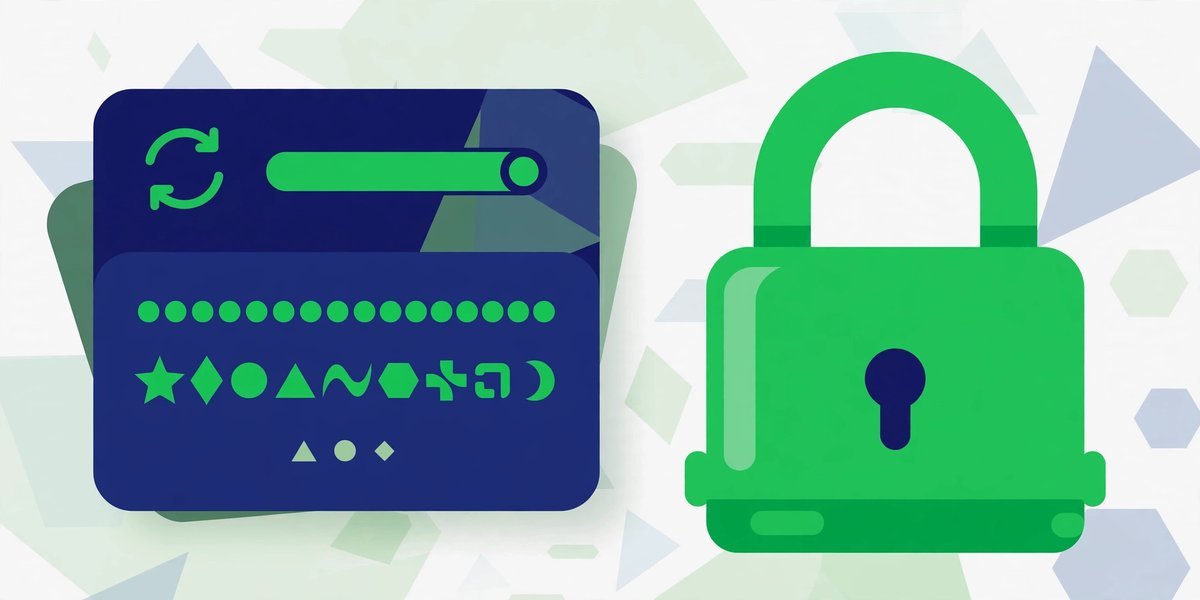
A password generator is a tool that creates random passwords for you — long strings of letters, numbers and symbols that no human would ever sit and invent. You pick the length, tick the character types you want, and it hands you something like Tq8!vZm2#kLp9$wR in a single click. No thinking, no patterns, nothing personal hiding inside it.
Why bother? Because the password you can remember is usually the password an attacker can guess, reuse or steal. Most of us run on a handful of familiar passwords, tweaked slightly from site to site, and that habit is how accounts fall over. A generator breaks the habit at the source: every account gets its own long, random password, and a password manager remembers them all.
If you want to try it while you read, our free password generator makes a strong password in your browser in one click — nothing is sent anywhere or stored.
How Accounts Actually Get Broken
People picture a hacker typing guesses at a login screen. That happens — but most accounts fall in one of three duller ways.
Credential stuffing: one breach unlocks everything
When a website gets breached, the stolen emails and passwords end up in lists circulating for years. Attackers feed those lists into tools that try the same combinations on hundreds of other sites. This is credential stuffing, and it works purely because people reuse passwords. Your forum password from five years ago becomes the key to your email today, without anyone guessing a thing. A unique password per account stops this dead — the stolen one opens nothing else.
Brute force: short passwords fall fast
Brute force means trying every possible combination until one fits. Short passwords give computers very little work. Length changes the maths dramatically — every extra character multiplies the possibilities, so a random 16-character password isn’t twice as hard as an eight-character one, it’s astronomically harder. Brute force is only a threat when passwords are short or predictable.
Phishing: the password is handed over
Phishing is the fake page: a message leads you to a login screen that looks exactly like the real one, you type your password, and it’s gone. Here’s the uncomfortable part — a generator cannot protect you here. A 20-character masterpiece typed into a fake page is just as stolen as “password123”. What helps is a password manager, which won’t autofill your details on a lookalike domain, and two-factor authentication. Strong passwords fix reuse and guessing; phishing needs different locks.
What Actually Makes a Password Strong
Forget most of what you’ve been told. The cartoon rules — swap letters for symbols, add an exclamation mark, change it every month — produce passwords that annoy humans and barely slow machines. Three things genuinely matter.
Length matters most
Sixteen characters or more is the target. Length beats complexity every time because it multiplies the combinations attackers must work through. Compare two clearly-labelled examples:
- Weak:
P@ssw0rd!— nine characters; every substitution is one attackers’ tools try automatically. - Strong:
gH7$kQ2!mZ9&vL4x— sixteen random characters with no word, name or pattern inside.
The first feels clever. The second actually is strong.
Uniqueness matters more than cleverness
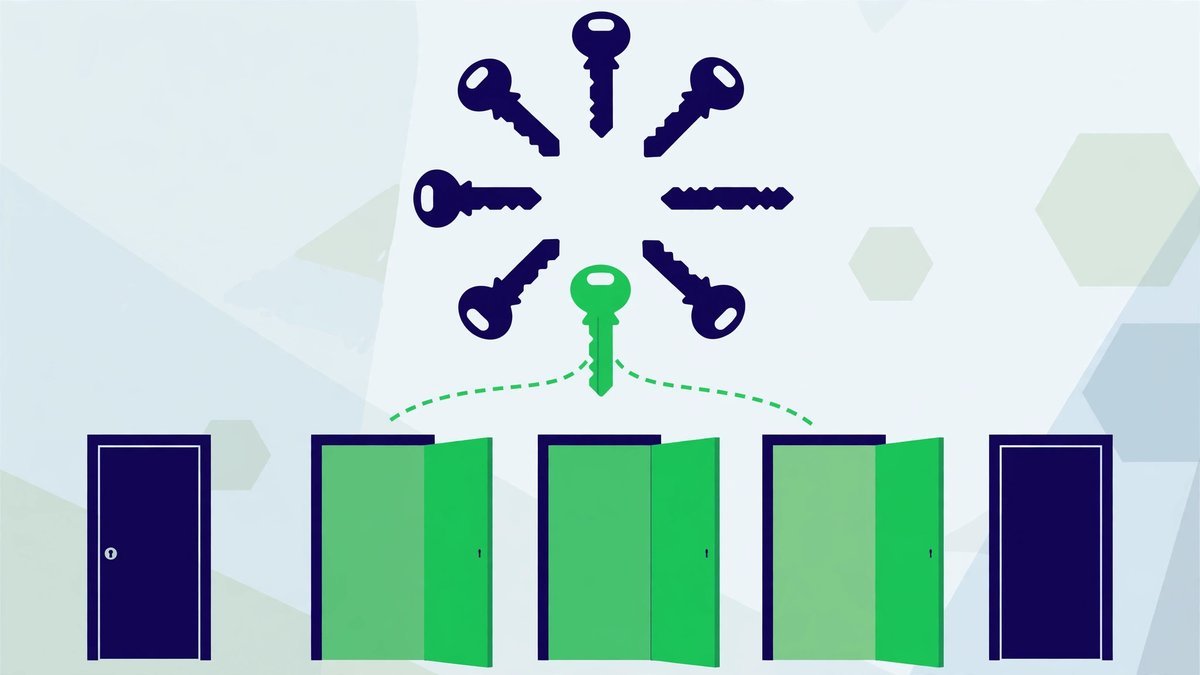
P@ssw0rd looks sophisticated and is worthless, because it’s in every cracking dictionary on earth along with its million cousins: Passw0rd, Password1!. Human “cleverness” follows patterns, and patterns are predictable — people reach for names, dates, keyboard walks like qwerty, strings like 123456. A generated password has none of that: no meaning to steal, no pattern to extend. The rule that outranks all others is simpler: one account, one password, never reused anywhere. A mediocre password used once beats a brilliant one used on twelve sites, which falls the moment one of them leaks it.
Passphrases: The Other Kind of Strong
A passphrase is a password built from random words strung together, something like lantern-copper-meadow-violin. Four or more genuinely random words give you plenty of length, in a form far easier to type and remember than symbol soup. Passphrases suit the passwords you type by hand: your computer login, and above all your master password — the one you truly have to memorise.
Two cautions: the words must be random — not a quote, lyric or sentence about your life, because existing phrases get tried by cracking tools — and it still gets used on one account only. For website logins, generated strings are the better default, since the manager does the typing; passphrases are for the handful of passwords in your head.
How to Use the Free Password Generator
The tool takes ten seconds. Using it well is about what you do around them:
- Choose the length. Set 16 characters as your minimum; go to 20 if the site allows it. Longer is free security — you’re not the one remembering it.
- Include the full mix. Tick uppercase, lowercase, numbers and symbols unless the site forbids one of them. If a site rejects symbols, add a few extra characters to compensate.
- Generate. Take the password the password generator gives you rather than refreshing until you spot one you like. Picking the “nicest” one reintroduces the human patterns you’re trying to escape.
- Copy it straight into your password manager. Paste it into the manager’s entry for that site, then into the site’s password field from there.
- Never park it anywhere else. Not in a notes app, not in an email draft, not in a chat to yourself. The manager is the only home it gets.
A related check: if you need to prove a file is exactly what it claims to be, a hash generator produces a short fingerprint you can compare.
Where the Password Lives: You Need a Password Manager
Nobody can remember forty unique 16-character passwords, and you’re not meant to. The generator makes them; a password manager remembers them. The manager is an encrypted vault, locked by one master password, that stores every login and fills them in for you.
So one strong password ends up protecting all the others. Make it long and memorable — a passphrase of four or five random words is ideal — never reuse it anywhere else, and turn on two-factor authentication for the manager itself. A dedicated manager beats browser saving because it works across all your devices.
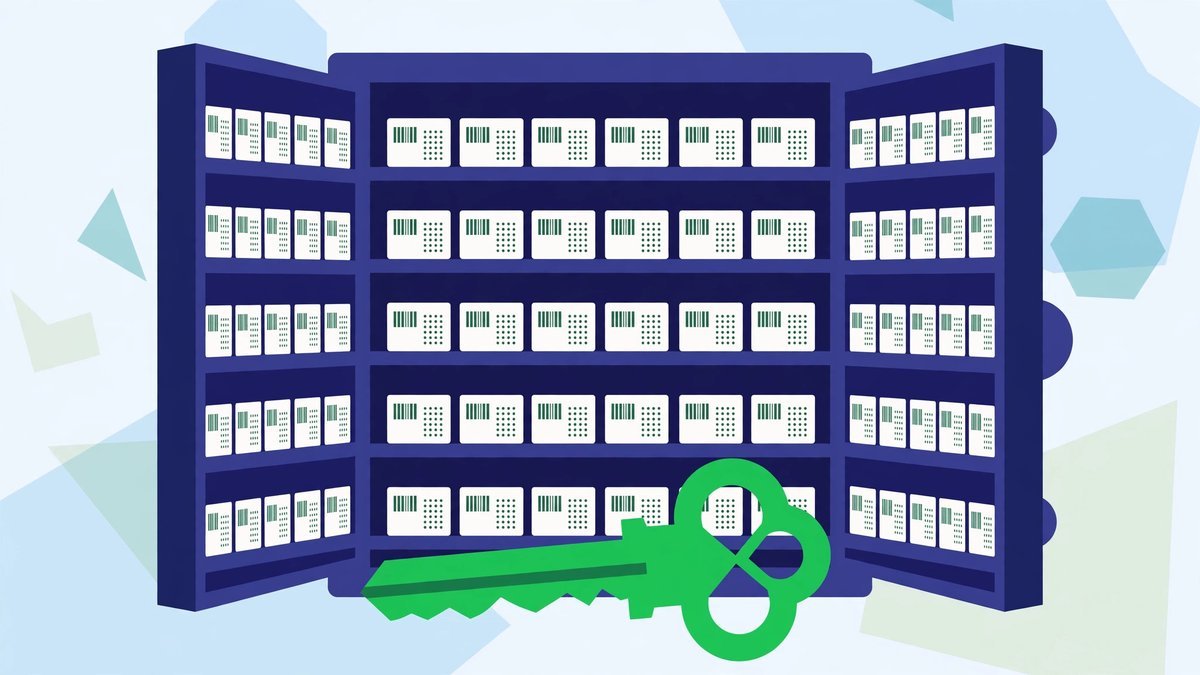
One warning: forget the master password and the vault stays locked — most managers cannot open it for you. Write it on paper once and keep that paper somewhere safe while it settles into your memory.
The Accounts a Blogger Must Protect First
Starting from a mess of reused passwords? Fix them in this order.
Email comes first, before anything. Your inbox is the master key to your online life, because every “forgot password” link lands there. Whoever controls your email can reset your banking, your social accounts and your blog. Give it your strongest unique password and two-factor authentication today.
After email, work through the accounts that run your blog: your WordPress admin login, your hosting account, and your domain registrar — a stolen domain can take your whole site with it. Then the social accounts tied to the blog, and finally the money accounts: payment processors, affiliate networks and ad accounts. The technical side matters too; our WordPress technical SEO checklist covers the wider checks that keep a blog harder to break into.
Two-Factor Authentication: The Second Lock
Two-factor authentication (2FA) means a login needs two things: your password, plus a code from an app on your phone or a physical key. With it on, a stolen password on its own gets an attacker nowhere.
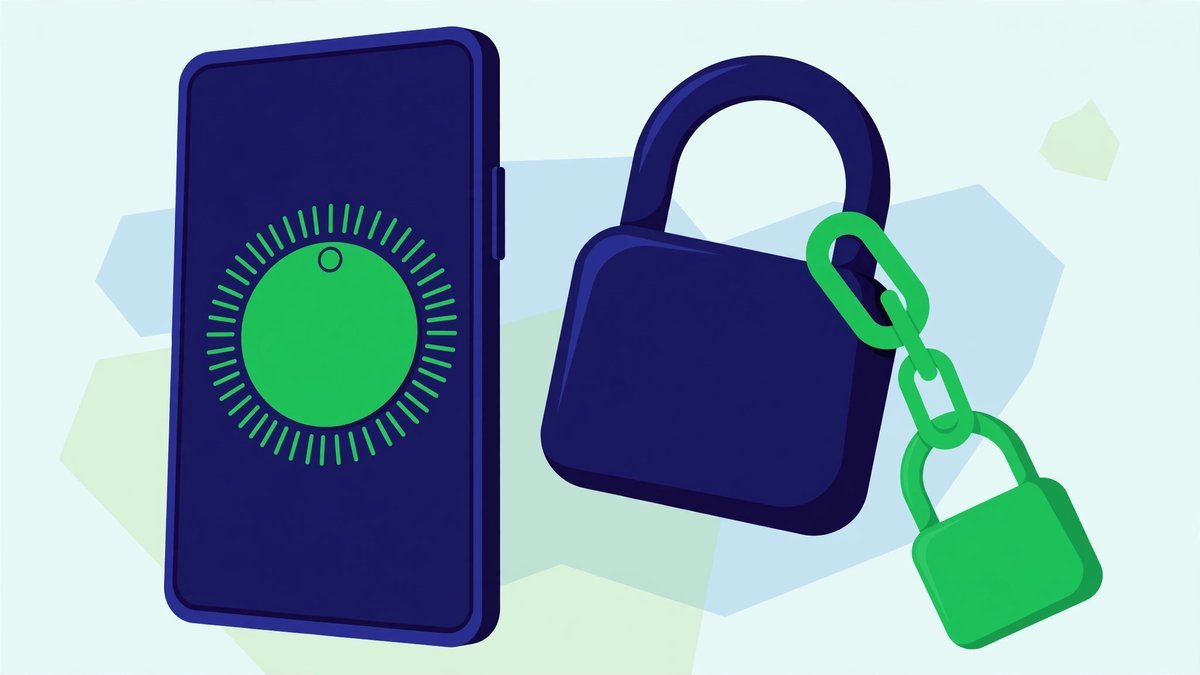
An authenticator app beats text-message codes, because texts can be intercepted or your number hijacked; an app generates codes on the device itself. Save the recovery codes somewhere safe when you switch it on — losing your phone and your codes together is the one way this extra lock can lock you out.
The generated password is a strong lock; 2FA is the second lock behind it. Together they close off nearly every realistic way an account gets taken.
Common Password Mistakes
- Reusing one password everywhere. Still the biggest cause of account takeovers, because one breach anywhere exposes you everywhere.
- Generating a strong password, then storing it badly. Into a notes app, an email draft or a spreadsheet “for safekeeping” — none of them encrypted vaults.
- Sharing passwords in chat. Messages stick around, in accounts that may be less protected than yours. If someone needs access, use the service’s proper sharing or team features instead.
- Changing a strong password on a schedule, for no reason. Old advice. Rotating a unique, random password “just because” adds nothing and pushes people back towards patterns. Change one when there’s a reason: a breach, a shared device, a suspicion.
- Thinking strong means safe from everything. A generator does nothing against phishing. Strong passwords fix guessing and reuse; staying alert and using 2FA cover the rest.
Frequently Asked Questions
Are passwords from a generator really safe to use?
Yes, provided the generator creates them randomly and locally, as ours does in your browser — nothing is sent to a server or kept afterwards. Its safety after that depends on you: store it in a password manager, use it on one account only, and never paste it into a page you reached from an unexpected link.
How long should a password be?
Sixteen characters is a solid minimum for anything that matters, and longer does no harm when a manager is remembering it. Length is the biggest factor in how hard a password is to crack, ahead of symbol tricks. For one you must type yourself, a passphrase of four or more random words reaches the same strength in a form your brain can hold.
Can a strong password still be hacked?
Not by guessing or brute force — a long, random password is effectively out of reach of both. But passwords get stolen other ways: typed into phishing pages, captured by malware, or leaked in a breach at a site that stored them badly. No password is proof against every kind of theft, which is why unique passwords and two-factor authentication matter: they confine the damage to one account.
Should I change my passwords regularly?
Not on a fixed schedule, no. Change a password when there’s an actual reason — a breach, a shared password, an untrusted device, a discovered reuse. Changing strong, unique passwords out of habit tends to produce weaker, patterned replacements: a step backwards.
What’s the difference between a password generator and a password manager?
They do opposite halves of the same job. The generator creates the password — random, long, unique. The manager stores it, keeps it encrypted, and fills it in when you log in. You need both: strong passwords kept in a notes app waste the effort, and a manager storing the same weak password everywhere is just a tidy version of the original problem.
Final Thoughts
None of this asks you to become a security expert. It asks you to swap one habit: stop inventing passwords, and stop reusing them. Let the generator do the inventing, let the manager do the remembering, and put two-factor authentication on the accounts that would hurt most to lose — starting with your email.
It takes ten seconds to start. Open the password generator, make a proper password for your email account, save it in a manager, and switch on two-factor. Do the same for your blog’s admin, hosting and domain accounts this week — an afternoon’s work against the most common ways blogs get taken over.