Hash Generator: What a Hash Is, and How to Create One in Seconds

A hash is a fixed-length string of characters that works as a fingerprint for a piece of data — a word, a paragraph, a whole file. Feed it into a hashing algorithm and out comes the fingerprint: always the same length, always identical for the same input, and impossible to turn back into the original. A hash generator is simply the tool that does that sum for you, instantly. Our free hash generator works out MD5, SHA-1, SHA-256 and SHA-512 side by side, live as you type, and produces checksums for files too — all in your browser, nothing uploaded.
This guide explains hashing in plain words, what each algorithm is (and isn’t) good for in 2026, the jobs bloggers and developers genuinely use hashes for, and the security mistakes that catch people out.
What Is a Hash, in Plain Words?
Three properties make a hash useful, and everything else follows from them.
It’s one-way. A hash is calculated from your data, but the calculation can’t be run backwards. There’s no “un-hash” operation, in the same way you can’t un-bake a cake into eggs and flour. Given a fingerprint, the only way to find what produced it is to guess inputs and hash them until one matches — which is why hashes are safe to publish for checking.
It’s deterministic. The same input always produces exactly the same hash, on any machine, forever — hash “hello” today and in ten years and you’ll get the same string. That’s what makes hashes useful as fingerprints: two files with the same hash are, for practical purposes, the same file. And the output never varies in length: a word and a whole book chapter both produce a 64-character SHA-256 hash, revealing nothing about size or content.
It avalanches. Change the input slightly and the output doesn’t change slightly — it changes completely. Here’s a real example, calculated with SHA-256 — the word “hello”:
2cf24dba5fb0a30e26e83b2ac5b9e29e1b161e5c1fa7425e73043362938b9824
Now capitalise one letter — “Hello”:
185f8db32271fe25f561a6fc938b2e264306ec304eda518007d1764826381969
One letter’s difference in the input, and the two fingerprints share almost nothing — nothing about the second string hints its input was nearly identical to the first. This is the avalanche effect, and it’s why a hash betrays tampering so well: edit one character in a document and its fingerprint gives the game away.
The Four Algorithms: Which Should You Use?
Our tool offers the four algorithms you’ll actually meet. They’re not interchangeable, and two of them come with a serious health warning.
MD5 (128-bit, 32 hex characters). Designed in the early 1990s, it’s fast and still everywhere in legacy systems, but researchers demonstrated practical collisions — two different inputs with the same MD5 hash — back in 2004, and they’re now cheap to manufacture. Verdict: fine as a casual checksum for spotting accidental changes, broken for security. Never use it to protect anything.
SHA-1 (160-bit, 40 hex characters). MD5’s successor, and it went the same way: Google and CWI Amsterdam demonstrated a real-world collision (the “SHAttered” attack) in 2017, and browsers had already stopped trusting it for certificates. Verdict: same as MD5 — casual checksums only, broken for security purposes.
SHA-256 (256-bit, 64 hex characters). The current standard for integrity checking, from the SHA-2 family. No practical collisions are known, and this is the hash publishers post alongside downloads and the one our tool produces for files. If you’re choosing one hash for a serious purpose in 2026, it’s this one.
SHA-512 (512-bit, 128 hex characters). SHA-256’s bigger sibling — same family, longer output. You’ll meet it in some Linux password systems, certificate setups and anywhere a longer fingerprint is wanted. For everyday file checking it offers no practical advantage over SHA-256, but it does no harm either.
What Bloggers and Developers Actually Use Hashes For
Verifying a download. This is the everyday job. Software publishers — plugin authors, theme developers, tool makers — often publish a download’s SHA-256 next to the download button. Download the file, hash your copy, compare. Match: the file is exactly what the publisher released, untampered and uncorrupted. No match: don’t install it. Our tool’s file mode exists for exactly this.
Checking that nothing has changed. Hash a file today, hash it again next month. Same fingerprint means byte-for-byte identical; different means something changed, even if the file looks the same on screen. Developers use this on backups and config files; bloggers, on an exported post or a template file an update may have quietly altered.
Fingerprinting content in scripts and build tools. Build tools stamp hashes into file names — app.2cf24dba.js and the like — so browsers can cache files aggressively yet fetch the new version the moment its content (and therefore its hash) changes. Git identifies every commit by a hash of its contents, and deduplication tools spot duplicate files by comparing hashes instead of reading whole files. Once you notice them, fingerprints are everywhere in the web’s machinery.
Storing passwords — with a big caveat. Websites store password hashes rather than passwords, so a leaked database doesn’t immediately hand attackers everyone’s actual password. But not any hash will do — the fast algorithms in this tool are the wrong ones for that job, as the mistakes section explains.
Hashing vs Encoding vs Encryption: Three Different Things
These three get confused constantly, and the confusion causes real security mistakes. They are not variations of one idea; they do different jobs.
Encoding changes data’s format, nothing more. Base64 turns text into a string of letters, numbers, +, / and = so it can travel safely through systems that expect plain text. It’s reversible by design — anyone can decode it, instantly, with no key. Encoding provides zero secrecy. If you’d like to see that reversibility, our text encoder and decoder flips text into Base64 and straight back again in one click, which is rather the point.
Encryption protects secrecy. It scrambles data so it can only be unscrambled with the right key. Reversibility is the whole point. When people say a hash “can’t be decrypted”, they’re mixing this up with hashing.
Hashing proves integrity. It’s one-way by design: there’s no key and nothing to reverse. A hash answers one question — “is this the same data as before?” — and refuses to answer any other.
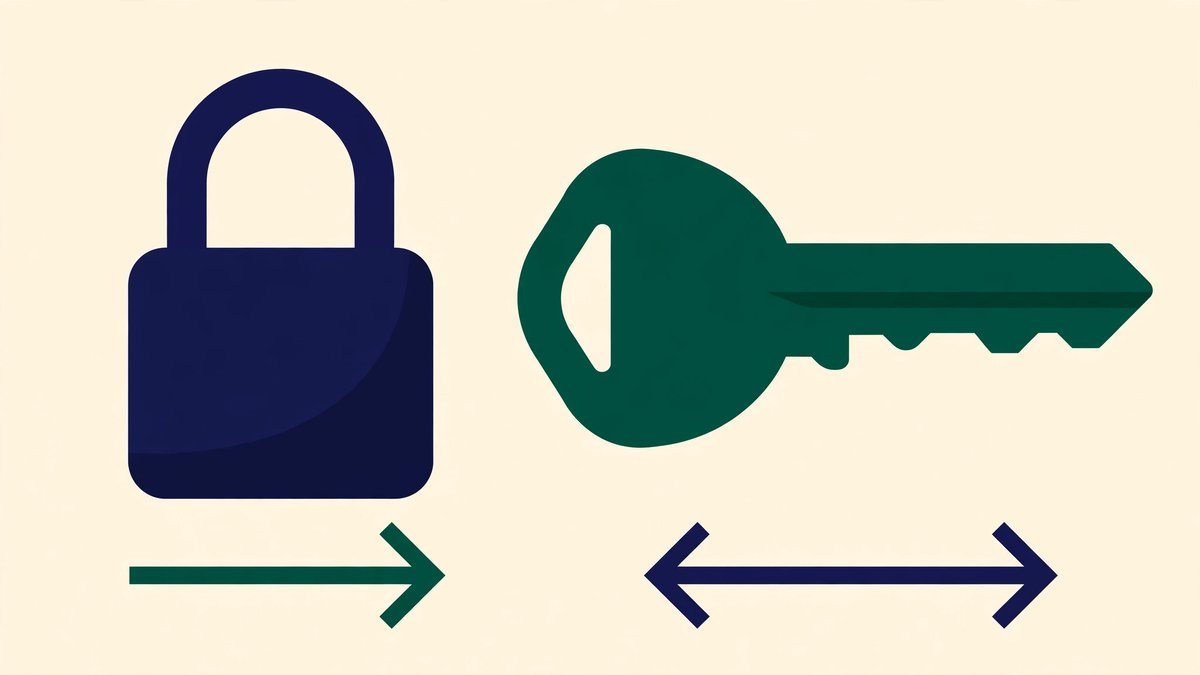
A quick memory hook: encoding is a change of clothes, encryption is a locked safe, hashing is a fingerprint. Only one of the three is meant to keep secrets, and it isn’t hashing.
How to Use the Hash Generator
Open the hash generator and you’ll find two cards: one for text, one for files. Everything is calculated on your own device; nothing leaves your browser.
- Type or paste your text. All four hashes — MD5, SHA-1, SHA-256 and SHA-512 — appear in a list and update live as you type, each labelled with its bit size. Change one letter and watch every fingerprint scramble.
- Match the case if you need to. Published checksums are usually lowercase, but if the one you’re comparing against is uppercase, tick “UPPERCASE hex output” so you’re comparing like with like.
- Copy the hash you need. Every row has its own Copy button, so you can paste the exact string into a comparison — with 64 or 128 characters, a transcription slip is otherwise almost guaranteed.
- For a file, use the second card. Drag a file onto the drop area (or click to choose one) and the tool reads it locally and shows its SHA-256 and MD5 checksums — the two you’ll need for download verification. Files up to 50 MB are sensible. Use Clear to wipe the text box afterwards.
And when comparing, check the whole string — a real match is identical end to end.
Common Hash Mistakes
- Using MD5 or SHA-256 to “protect” passwords. Fast hashes are the wrong tool for password storage, full stop. They’re designed to be quick, so an attacker with a leaked database can test billions of guesses per second. Proper storage uses slow, salted algorithms — bcrypt or Argon2 — that make each guess deliberately expensive. A website storing passwords as plain MD5 hashes is barely better than storing them in plain text.
- Trying to “decrypt” a hash. There’s nothing to decrypt. Sites claiming to reverse hashes are just lookup tables of hashes for common inputs — passwords, words, phrases — which works only because those inputs were guessable in the first place.
- Believing two different files can never share a hash. They can, in principle — and for MD5 and SHA-1, attackers can manufacture such pairs on purpose. For SHA-256 no collision has ever been found, which is exactly why it’s the one to trust.
- Hashing slightly different input and panicking. A trailing space or stray line break in pasted text is a different input — and therefore a completely different hash. If your result doesn’t match, check you hashed exactly what you meant to before assuming the worst.
- Thinking a hash makes data “unhackable”. A hash proves data hasn’t changed; it doesn’t hide it, protect it in transit, or stop anyone copying it.
That password point deserves one last emphasis, because it’s the mistake with real victims: if you’re building anything that stores user passwords, use your framework’s built-in password hashing (bcrypt or Argon2), never a fast general-purpose hash. And as a user, your defence is a long, unique password for every account — ideally created by a password generator and kept in a password manager — so one site’s sloppy storage can’t hurt you anywhere else.
Frequently Asked Questions
Can a hash be turned back into the original text or file?
No. Hashing is one-way by design — there’s no reverse operation and no key. The only attack is guessing inputs and hashing each guess until one matches — feasible only for short, predictable inputs like common passwords. For a file or a long random string, it’s computationally hopeless.
Which hash should I use to verify a download?
SHA-256. It’s the checksum publishers overwhelmingly post, it has no known collisions, and it’s what our tool calculates for files alongside MD5. If a publisher only offers MD5, matching it still proves your download isn’t corrupted — just with less protection against a deliberately tampered file.
If MD5 and SHA-1 are broken, why does the tool still offer them?
Because the world is full of old checksums. Older software and documentation published MD5 and SHA-1 fingerprints years ago, and you need the same algorithm to check against them. They’re also fine as quick, non-security checksums — spotting that a file changed by accident, say. Broken for security doesn’t mean useless for everything.
Is a hash the same as a checksum?
Nearly. A checksum is any value used to check data’s integrity, and a cryptographic hash doing that job — a download’s SHA-256, say — is commonly called its checksum. When a modern download page says “checksum”, it almost always means a hash.
Does the tool upload my text or file anywhere?
No. Everything is calculated in your browser, on your device; files are read locally and never sent to a server, and typed text goes nowhere. It’s safe for sensitive text — though as a matter of habit, don’t paste real passwords into any tool, this one included.
Final Thoughts
Hashing is one of those ideas that sounds abstract until the day it saves you: the plugin download that doesn’t match its checksum, the backup you can prove is untouched. Keep the hash generator bookmarked for those moments — paste the text, drop the file, compare the fingerprint.
And keep the one rule that matters most: MD5 and SHA-1 are history, SHA-256 is the standard, and a fingerprint proves something is unchanged — it never kept a secret in its life.